Axgate VPN: What It Is, How It Works, and How to Get Started

Learn what Axgate VPN does, where to find its client, and what to check before connecting.
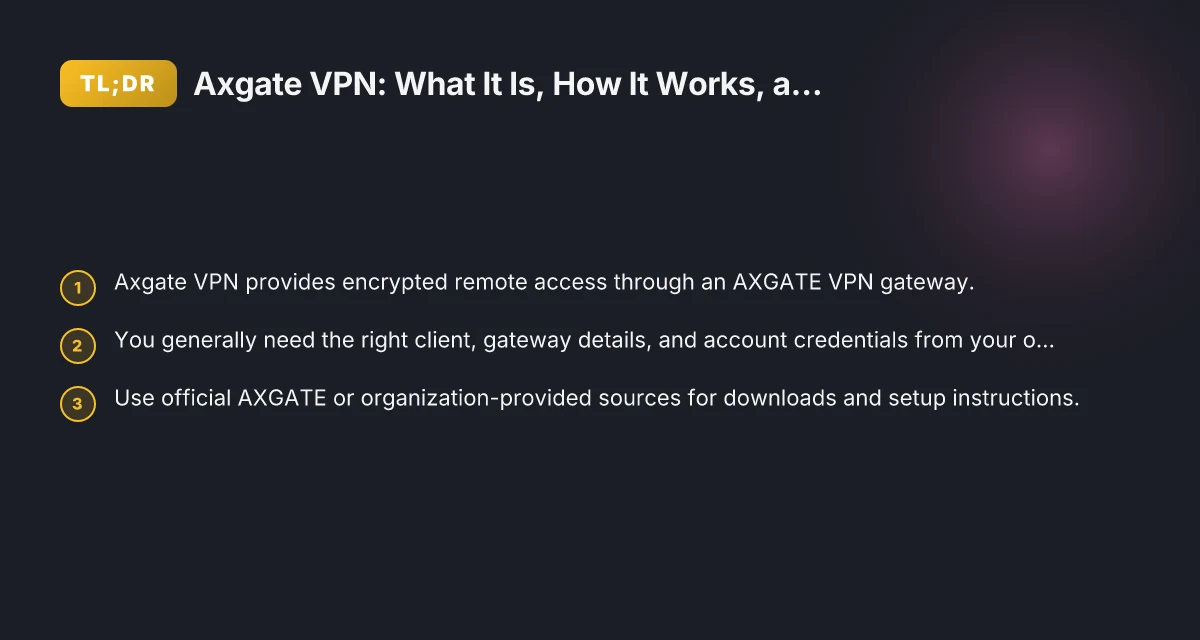
Axgate VPN is a remote-access service that lets authorized users connect securely to resources behind an AXGATE VPN gateway. Its client creates an encrypted connection, while the gateway authenticates access to protected systems and information. To use it, obtain the correct client and connection details from your organization’s IT team, then follow its setup instructions.
Axgate VPN compared with related AXGATE products
| Option | Product type | Main purpose | What to check | Best fit |
|---|---|---|---|---|
| Axgate VPN client | VPN client software | Connect to an AXGATE VPN gateway | Compatible client version | Users needing remote access |
| AXGATE VPN gateway | Network security appliance | Terminate and manage VPN connections | Gateway address and account | Organizations providing VPN access |
| AXGATE firewall | Network security appliance | Control and inspect network traffic | Firewall policy and services | Organizations securing network boundaries |
| AXGATE UTM | Unified security appliance | Combine network security functions | Enabled security features | Organizations seeking consolidated protection |
| AXGATE product documentation | Support resource | Explain setup and product operation | Model and software version | Users troubleshooting or configuring |
| Organization’s VPN service | Managed access service | Provide approved access to internal resources | Enrollment and access permissions | Employees and authorized users |
Compiled November 2026; check the provider's site for current details.
| VPN | Obfuscation | From / month | Plan | Free plan | Refund | Alipay | UnionPay | Crypto | Website opens in China | Trustpilot | |
|---|---|---|---|---|---|---|---|---|---|---|---|
 ZoogVPN | Turn on manually Shadow | $2.49/mo | 27 months: $59.99 | Yes | 7 days | ✓ | ✓ | ✓ | ✓ | Official site blocked; our special link opens (4.4 s) | 4.2/5 (195 reviews) |
 NordVPN | Turn on manually Obfuscated Servers / NordWhisper | $3.49/mo | 27 months: $94.23 | No | 30 days | ? | ✗ | ✓ | ✓ | ✗ Blocked | 4.2/5 (51,628 reviews) |
 ExpressVPN | ✓ On by default all servers | $3.00/mo | 28 months: $84 | No | 30 days | ✗ | ✗ | ✓ | ✗ | ✗ Blocked | 4.4/5 (29,706 reviews) |
 Surfshark | ✓ On by default Camouflage, with OpenVPN | See site | See site | No | 30 days | ✗ | ✗ | ✗ | ✓ | ✗ Blocked | 4.3/5 (31,823 reviews) |
 Proton VPN | Turn on manually Stealth, free plan too | $2.99/mo | 12 months: $35.88 | Yes | 30 days | ✗ | ✗ | ✗ | ✓ | ✗ Blocked | 2.1/5 (1,040 reviews) |
 Astrill VPN | Turn on manually StealthVPN / OpenWeb | $12.50/mo | 24 months: $300 | No | See site | ✗ | ✗ | ✗ | ✓ | ✗ Blocked | 1.3/5 (110 reviews) |
 Private Internet Access | Turn on manually Shadowsocks, OpenVPN only | $2.03/mo | 40 months: $81.2 | No | 30 days | ✗ | ✗ | ✗ | ✗ | ✗ Blocked | 4.2/5 (11,033 reviews) |
 CyberGhost | Turn on manually selected servers | $2.19/mo | 28 months: $61.32 | No | 45 days | ✗ | ✗ | ✗ | ✓ | ✗ Blocked | 4.0/5 (24,178 reviews) |
 PureVPN | Turn on manually switch to OpenVPN | $1.69/mo | 60 months: $101.55 | No | 31 days | ? | ? | ✗ | ✓ | ✗ Blocked | 4.4/5 (17,994 reviews) |
 AdGuard VPN | ✓ On by default TrustTunnel | $2.99/mo | 24 months: $71.76 | Yes | 30 days | ✓ | ✗ | ✓ | ✓ | Official site blocked; our special link opens (3.7 s) | 4.3/5 (290 reviews) |
 Mullvad | Turn on manually QUIC / Shadowsocks / LWO | $5.61/mo | €5/mo | No | 14 days | ✗ | ✗ | ✗ | ✓ | ✗ Blocked | 3.2/5 (192 reviews) |
 Windscribe | Turn on manually Stealth / WStunnel | $5.75/mo | 12 months: $69 | Yes | See site | ✗ | ✗ | ✗ | ✓ | ✗ Blocked | 4.7/5 (13,355 reviews) |
 StrongVPN | Turn on manually Scramble, OpenVPN TCP | See site | See site | No | 30 days | ✓ | ✗ | ✗ | ✗ | ✗ Blocked | 4.4/5 (2,695 reviews) |
 LightXtreme 闪连 | Not listed | $7.08/mo | 12 months: $84.99 | Yes | 30 days | ✓ | ✓ | ✓ | ✓ | ✓ Yes (3.5 s) | No page |
Prices checked 2026-11-10 on each vendor's pricing page (cheapest long plan, USD). Check the vendor's checkout for the final price.
Obfuscation checked 2026-11-14 on each vendor's site and help center: "on by default" = nothing to set; "turn on manually" = switch protocol or mode in settings; "not listed" = the vendor describes no obfuscation.
Payment methods checked 2026-11-10 on each vendor's payment pages: all 14 take cards and PayPal; ✗ = not listed, ? = the vendor's own pages disagree.
China access: whether the official website opens from mainland China networks (tests the website only, not the VPN connection). Last checked 2026-11-18 01:02 Beijing time.
Trustpilot score and review count checked 2026-11-10.
What is Axgate VPN?
AXGATE describes its SSL VPN as a solution for protecting system resources and information assets through user authentication. In practice, an organization can use an AXGATE gateway to provide approved users with remote access to internal services over a protected connection.
A VPN client is the software on your device that connects to the gateway. The gateway then applies the organization’s access rules. Depending on how the service is configured, access may be limited to particular systems or resources rather than the entire internal network.
Axgate VPN is therefore not just an app: successful access depends on the client, a compatible gateway, valid credentials, and the configuration managed by the organization.
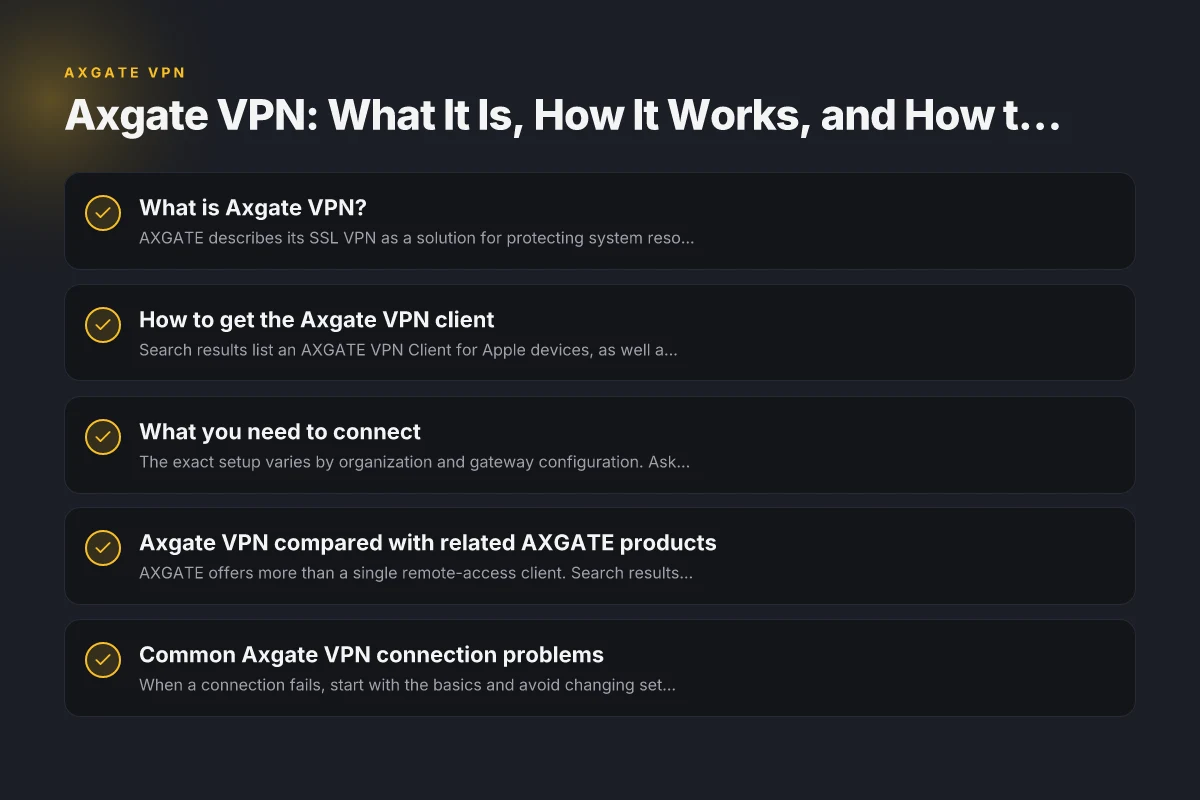
How to get the Axgate VPN client
Search results list an AXGATE VPN Client for Apple devices, as well as a separate software-information page for a client download. AXGATE also provides product resources, and its Android developer listing includes AXGATE OTP, an app that generates a second authentication code for VPN access. Fortin VPN: What It Is and How to Use FortiClient VPN
Because VPN software handles sensitive connections, confirm the download source before installing anything. The safest route is to follow a link or instructions from your organization’s IT team, or use an official AXGATE listing where available. A third-party software directory can help identify a product, but it should not replace your organization’s approved download process.
Before installation, check:
- Whether the client supports your device and operating system.
- Whether your organization requires a particular version or installation method.
- Whether a separate authentication app, such as AXGATE OTP, is required.
- Whether your device must meet company security requirements.
What you need to connect to Axgate VPN
| Requirement | Why it matters | Where to get it | If missing |
|---|---|---|---|
| Axgate VPN client | Creates the VPN connection | Organization or approved download source | Ask IT for the correct client |
| VPN server address | Identifies the gateway | Organization’s IT team | Request the connection details |
| User account | Authenticates the connection | Organization’s administrator | Request account setup |
| Password or approved sign-in method | Verifies your identity | Organization’s administrator | Reset or enroll through IT |
| Network access | Lets the client reach the gateway | Internet or permitted network | Check connectivity and restrictions |
| Device compatibility | Allows the client to run | Client requirements or IT | Confirm supported operating system |
| Connection permissions | Authorizes access to resources | Organization’s VPN administrator | Request access approval |
Compiled November 2026; check the provider's site for current details. Equalvpn Review: What It Offers and Who It May Suit
What you need to connect
The exact setup varies by organization and gateway configuration. Ask your IT team for the required details rather than guessing server names, ports, or authentication settings.
| Requirement | What to confirm |
|---|---|
| VPN client | Which AXGATE client and version your organization supports |
| Gateway address | The server or portal address provided by IT |
| User account | The username and password or other approved credentials |
| Extra verification | Whether AXGATE OTP or another second-factor method is required |
| Access permissions | Which internal services your account is authorized to reach |
Once you have these details, install the approved client, enter the organization-provided connection information, and authenticate as instructed. If the connection succeeds but a particular service remains unavailable, the issue may be related to permissions or the service itself, not necessarily the VPN connection.
Axgate VPN compared with related AXGATE products
AXGATE offers more than a single remote-access client. Search results also describe AXGate as a next-generation firewall with application-aware security, secure WAN, VPN, vulnerability management, and flow-based inspection. AXGATE Cloud Firewall is described as a cloud-based virtualization solution with firewall, VPN, and intrusion prevention system features.
These products serve different roles: Windows VPN: How It Works, How to Set It Up, and What to Choose
- AXGATE VPN Client: Software for an end user connecting to an AXGATE VPN gateway.
- AXGATE VPN gateway or SSL VPN: The infrastructure that authenticates users and provides controlled access.
- AXGate next-generation firewall: A broader network-security product that includes VPN among its capabilities.
- AXGATE Cloud Firewall: A cloud-hosted security solution that includes VPN functionality.
If you are an employee or contractor seeking remote access, you most likely need the client and connection instructions, not a firewall product. If you are evaluating network security for an organization, compare the gateway or firewall solutions with your technical and operational requirements.
Common Axgate VPN connection problems and checks
| Problem | Possible cause | First check | Next step | Contact IT when |
|---|---|---|---|---|
| Client will not install | Incompatible device or installer | Confirm the approved client | Request the correct package | Installation remains blocked |
| Gateway cannot be reached | Incorrect address or network issue | Recheck the server address | Test another permitted network | The address is confirmed |
| Sign-in fails | Incorrect credentials or account issue | Check username and sign-in method | Reset credentials through approved process | Access is still denied |
| Connection times out | Gateway or network unavailable | Check internet access | Retry later or change permitted network | Other users are affected |
| VPN connects but resources do not open | Missing access permissions or routing | Confirm the resource address | Check access requirements | Required resources remain unavailable |
| Connection drops repeatedly | Unstable network or client issue | Check network stability | Restart the client and reconnect | Drops continue |
| Client reports a certificate warning | Certificate or server configuration issue | Verify the gateway address | Stop and ask IT to confirm | The warning persists |
Compiled November 2026; check the provider's site for current details.
Common Axgate VPN connection problems
When a connection fails, start with the basics and avoid changing settings that your organization controls. Free VPN for Microsoft Edge: What Works and What to Know
- Check the gateway address: Make sure it matches the details supplied by IT.
- Verify your credentials: Look for typing errors and confirm that your account is active.
- Complete additional authentication: If AXGATE OTP is required, use the current code and follow your organization’s process.
- Check the client version: An outdated or unsupported client may not work with the gateway configuration.
- Confirm network access: Try a permitted network connection and note any error message.
- Contact IT: Share the device type, client version, time of the attempt, and exact error text.
Do not send passwords or one-time codes in an ordinary support message. Your organization’s IT team can confirm whether the account, gateway, or device configuration needs attention.
Recommendation
For secure Axgate VPN access, use the client and setup details approved by your organization, and confirm whether extra authentication is required. If you are choosing AXGATE technology for a business, evaluate the VPN gateway or broader firewall solution against your access-control and network-security needs.
喻长庚跟踪各家VPN在国内的连接情况和官网可访问性。