nord VPN for pc(2026)
Learn how to download NordVPN for a Windows PC, install it, connect securely, and choose the right settings.
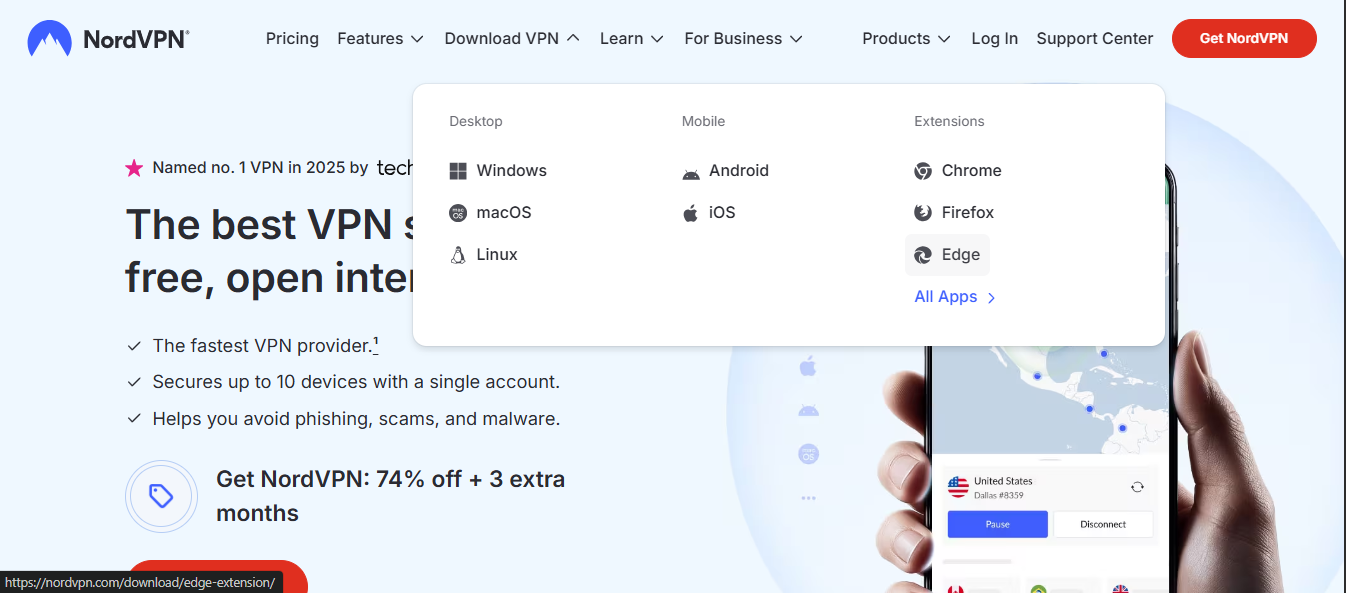
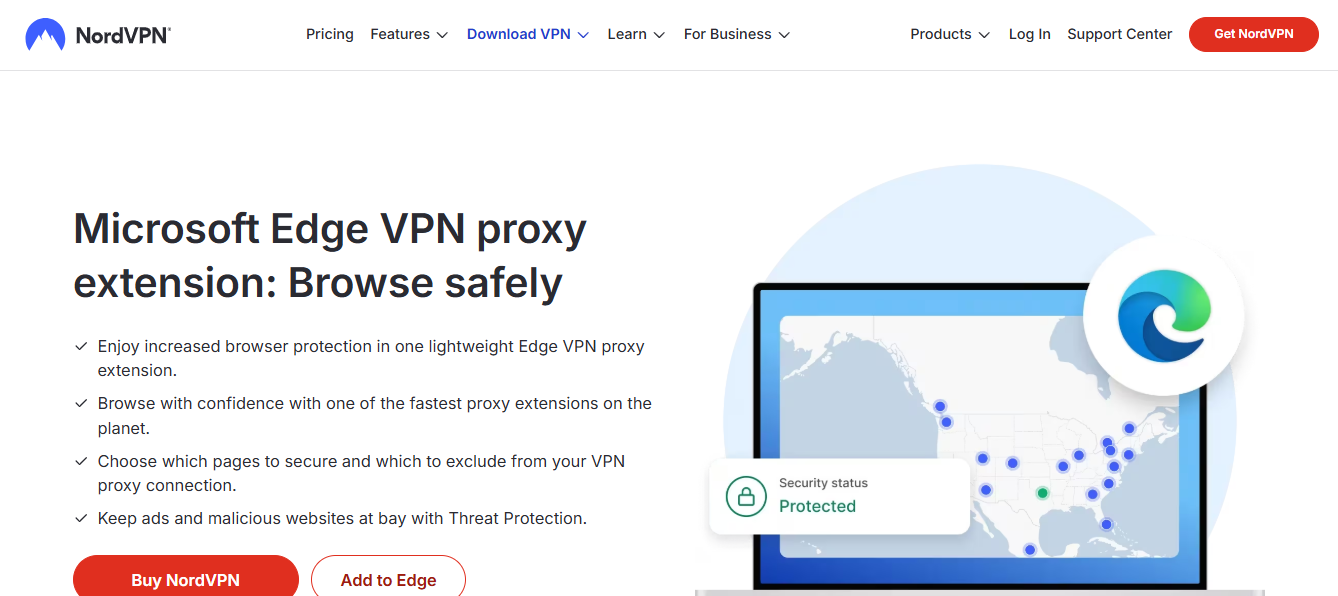
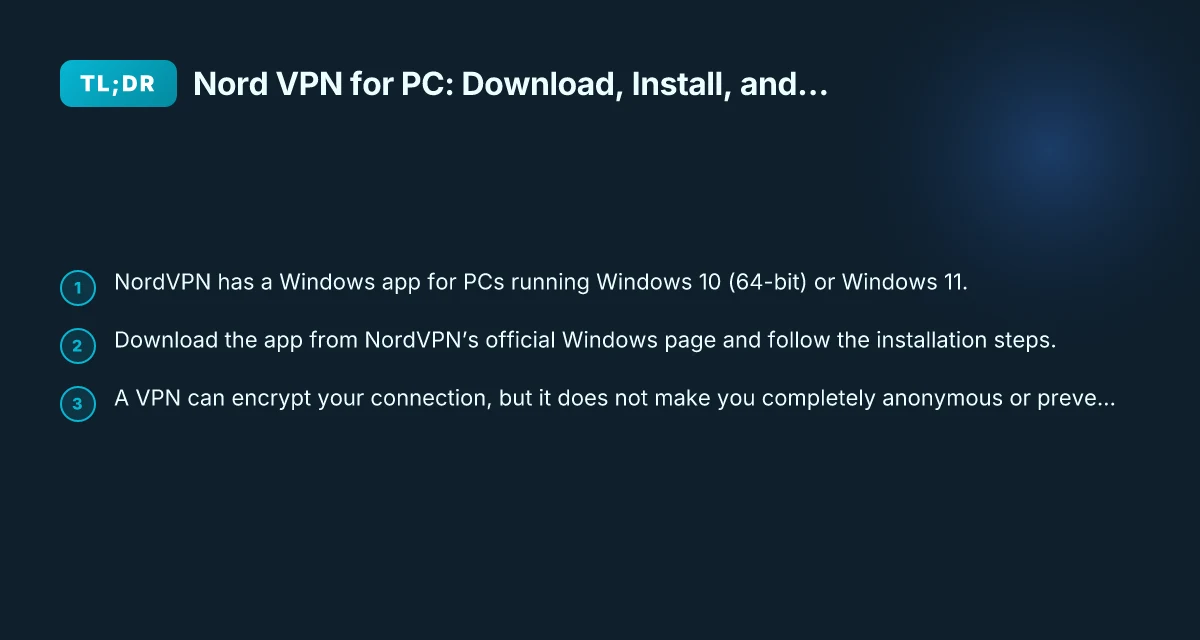
Nord VPN for PC is available as a Windows app for computers running Windows 10 (64-bit) or Windows 11. To get started, download the installer from NordVPN’s official website, install the app, sign in, and connect to a server. You’ll need an internet connection to download the software and log in.
Compare NordVPN download options for Windows
| Option | Source | Setup steps | Update path | Main consideration |
|---|---|---|---|---|
| Official Windows app | NordVPN website | Download, run installer, sign in | Through the app | Recommended source |
| Microsoft Store app | Microsoft Store | Install from the Store, sign in | Through the Store | Check availability |
| Third-party download site | Unofficial website | Download and run installer | May vary | Source may be unverified |
| Browser extension | Browser’s extension store | Add extension, sign in | Through the browser | Protects browser traffic only |
| Manual VPN setup | Windows settings | Enter VPN connection details | Managed manually | Requires configuration |
Compiled November 2026; check the provider's site for current details.
| VPN | Obfuscation | From / month | Plan | Free plan | Refund | Alipay | UnionPay | Crypto | Website opens in China | Trustpilot | |
|---|---|---|---|---|---|---|---|---|---|---|---|
 NordVPN | Turn on manually Obfuscated Servers / NordWhisper | $3.49/mo | 27 months: $94.23 | No | 30 days | ? | ✗ | ✓ | ✓ | ✗ Blocked | 4.2/5 (51,628 reviews) |
 ZoogVPN | Turn on manually Shadow | $2.49/mo | 27 months: $59.99 | Yes | 7 days | ✓ | ✓ | ✓ | ✓ | Official site blocked; our special link opens (4.4 s) | 4.2/5 (195 reviews) |
 ExpressVPN | ✓ On by default all servers | $3.00/mo | 28 months: $84 | No | 30 days | ✗ | ✗ | ✓ | ✗ | ✗ Blocked | 4.4/5 (29,706 reviews) |
 Surfshark | ✓ On by default Camouflage, with OpenVPN | See site | See site | No | 30 days | ✗ | ✗ | ✗ | ✓ | ✗ Blocked | 4.3/5 (31,823 reviews) |
 Proton VPN | Turn on manually Stealth, free plan too | $2.99/mo | 12 months: $35.88 | Yes | 30 days | ✗ | ✗ | ✗ | ✓ | ✗ Blocked | 2.1/5 (1,040 reviews) |
 Astrill VPN | Turn on manually StealthVPN / OpenWeb | $12.50/mo | 24 months: $300 | No | See site | ✗ | ✗ | ✗ | ✓ | ✗ Blocked | 1.3/5 (110 reviews) |
 Private Internet Access | Turn on manually Shadowsocks, OpenVPN only | $2.03/mo | 40 months: $81.2 | No | 30 days | ✗ | ✗ | ✗ | ✗ | ✗ Blocked | 4.2/5 (11,033 reviews) |
 CyberGhost | Turn on manually selected servers | $2.19/mo | 28 months: $61.32 | No | 45 days | ✗ | ✗ | ✗ | ✓ | ✗ Blocked | 4.0/5 (24,178 reviews) |
 PureVPN | Turn on manually switch to OpenVPN | $1.69/mo | 60 months: $101.55 | No | 31 days | ? | ? | ✗ | ✓ | ✗ Blocked | 4.4/5 (17,994 reviews) |
 AdGuard VPN | ✓ On by default TrustTunnel | $2.99/mo | 24 months: $71.76 | Yes | 30 days | ✓ | ✗ | ✓ | ✓ | Official site blocked; our special link opens (3.7 s) | 4.3/5 (290 reviews) |
 Mullvad | Turn on manually QUIC / Shadowsocks / LWO | $5.61/mo | €5/mo | No | 14 days | ✗ | ✗ | ✗ | ✓ | ✗ Blocked | 3.2/5 (192 reviews) |
 Windscribe | Turn on manually Stealth / WStunnel | $5.75/mo | 12 months: $69 | Yes | See site | ✗ | ✗ | ✗ | ✓ | ✗ Blocked | 4.7/5 (13,355 reviews) |
 StrongVPN | Turn on manually Scramble, OpenVPN TCP | See site | See site | No | 30 days | ✓ | ✗ | ✗ | ✗ | ✗ Blocked | 4.4/5 (2,695 reviews) |
 LightXtreme 闪连 | Not listed | $7.08/mo | 12 months: $84.99 | Yes | 30 days | ✓ | ✓ | ✓ | ✓ | ✓ Yes (3.5 s) | No page |
Prices checked 2026-11-10 on each vendor's pricing page (cheapest long plan, USD). Check the vendor's checkout for the final price.
Obfuscation checked 2026-11-14 on each vendor's site and help center: "on by default" = nothing to set; "turn on manually" = switch protocol or mode in settings; "not listed" = the vendor describes no obfuscation.
Payment methods checked 2026-11-10 on each vendor's payment pages: all 14 take cards and PayPal; ✗ = not listed, ? = the vendor's own pages disagree.
China access: whether the official website opens from mainland China networks (tests the website only, not the VPN connection). Last checked 2026-11-18 01:02 Beijing time.
Trustpilot score and review count checked 2026-11-10.
Is NordVPN available for PC?
Yes. NordVPN offers an app for Windows PCs and laptops. Its Windows download page lists support for Windows 10 (64-bit) and Windows 11. Check that your PC meets one of these requirements before downloading.
A VPN routes your internet traffic through a VPN server and encrypts the connection between your device and that server. This can help protect data in transit, particularly when you’re using public Wi-Fi. It can also make your internet connection appear to come from the VPN server’s location.
A VPN is not a substitute for good security habits. It does not guarantee anonymity, prevent malware infections, or stop you from sharing personal information on a website.
How to download NordVPN for Windows
For the safest and simplest setup, use NordVPN’s official Windows download page rather than an unofficial download site. VPN extension for edge free(2026)
- Open NordVPN’s Windows download page.
- Select the download option for your PC.
- Wait for the installer to download.
- Open the downloaded file and follow the on-screen prompts.
- Launch the NordVPN app and sign in.
You’ll need a working internet connection to download the app and log in. If you’re unsure whether your computer is compatible, check its Windows version and confirm that it is running a supported 64-bit edition of Windows 10 or Windows 11.
Choose an official download
Search results may show third-party software sites alongside NordVPN’s own pages. For an up-to-date installer and the clearest support, start with the official NordVPN download page or its Windows installation instructions. Be cautious with download links that ask you to install extra software or provide account details outside NordVPN’s app or website.
Choose a way to use NordVPN on Windows
| Choice | Requires NordVPN account | Windows support | Protection scope | Best for |
|---|---|---|---|---|
| NordVPN desktop app | Yes | Supported | Device traffic covered by the app | Most users |
| Browser extension | Yes | Supported in compatible browsers | Browser traffic | Browser-only use |
| Windows manual setup | Usually | Supported for compatible VPN configurations | Depends on configuration | Experienced users |
| No VPN connection | No | Supported | No VPN protection | Accessing the internet without a VPN |
Compiled November 2026; check the provider's site for current details. VPN extension edge free(2026)
How to connect and use the app
After installation, open the app and sign in. Choose a server location or use the app’s connection option to connect. Once connected, your internet traffic will pass through the VPN server until you disconnect or select another connection.
Common reasons to use the app include:
- Protecting traffic on public Wi-Fi: The VPN encrypts the connection between your PC and the VPN server.
- Using a different virtual location: Websites will generally see the VPN server’s location instead of your usual connection location.
- Managing a VPN connection in one place: You can connect, disconnect, or change servers in the Windows app.
If a website or app does not work as expected while the VPN is on, try switching servers or disconnecting briefly to identify whether the VPN connection is causing the issue. Keep in mind that a VPN may affect connection speed because your traffic takes an additional route.
Official download vs. third-party download sites
You may see NordVPN installers listed on other websites. The options differ in where you get the software and where you should turn for guidance. free VPN edge extension(2026)
| Option | What to know | Best for |
|---|---|---|
| NordVPN official Windows page | Provides NordVPN’s Windows app and links to its own guidance | Most people installing the app |
| NordVPN support instructions | Explains the Windows installation and setup process | Users who want step-by-step help |
| Third-party download sites | May host software listings, but are not NordVPN’s own support pages | Users who have a specific reason to use that source |
For most users, the official download page is the sensible choice. It reduces confusion about which installer to use and makes it easier to follow NordVPN’s own setup instructions.
Is NordVPN free for PC?
The Windows app can be downloaded from NordVPN’s website, but downloading an app is not the same as receiving free VPN service. Review NordVPN’s current plans and terms on its official website before subscribing. Do not assume that an installer from a third-party site includes free access to the VPN service.
If you are comparing options, consider the subscription terms, the devices you want to protect, and the features included. Avoid relying on old software listings or claims about trials, since offers and terms can change.
Check NordVPN’s fit for your PC needs free VPN for edge extension(2026)
| Need | NordVPN on Windows | What to consider |
|---|---|---|
| Download and install an app | Supported | Use an official source |
| Connect to a VPN server | Supported | Sign in and select a server |
| Use the service for free | No ongoing free plan | A paid plan is required |
| Protect all internet activity | Supported while connected | VPN protection does not remove every online risk |
| Browse without a VPN | Supported | Your internet traffic will not use the VPN |
| Avoid third-party installer risks | Supported | Download from NordVPN or a trusted app store |
Compiled November 2026; check the provider's site for current details.
What are the limitations of using a VPN?
A VPN can improve privacy in some situations, but it does not make you invisible online. Websites may still identify you through account sign-ins, cookies, browser settings, or information you provide. Your VPN provider also becomes part of the path your traffic takes, so it is worth reviewing the provider’s privacy information and terms.
A VPN can also:
- Reduce speed or increase latency, depending on the connection and server.
- Cause some websites or services to behave differently.
- Require troubleshooting if the app cannot connect or a particular server is unavailable.
To protect your PC more broadly, keep Windows and your other software updated, use strong account passwords, and be careful with suspicious downloads and links. VPN extension for microsoft edge(2026)
Recommendation
If you want Nord VPN for PC, download the Windows app from NordVPN’s official website and confirm that your computer runs Windows 10 (64-bit) or Windows 11. Install it, sign in, and connect to a server when you need a VPN connection. Treat it as one layer of privacy and security, not a guarantee of complete anonymity.
喻长庚跟踪各家VPN在国内的连接情况和官网可访问性。