NordVPN Windows: How to Download, Install, and Use It
Learn how to install NordVPN on Windows, connect to a server, and troubleshoot common app issues.
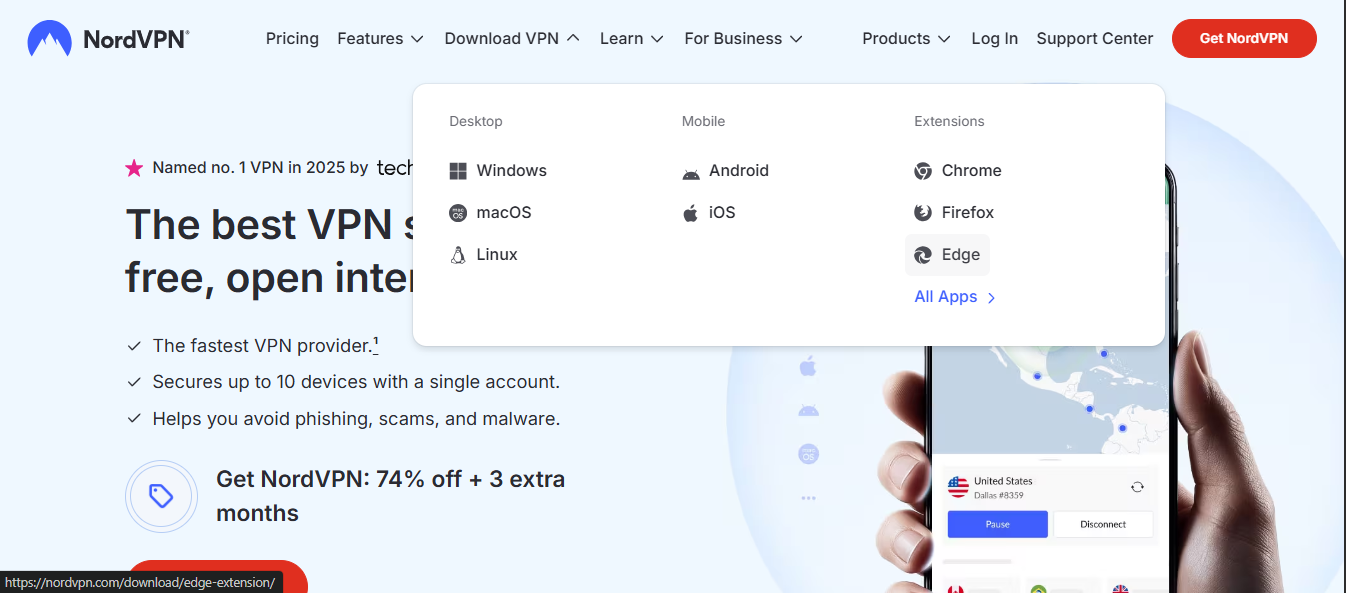
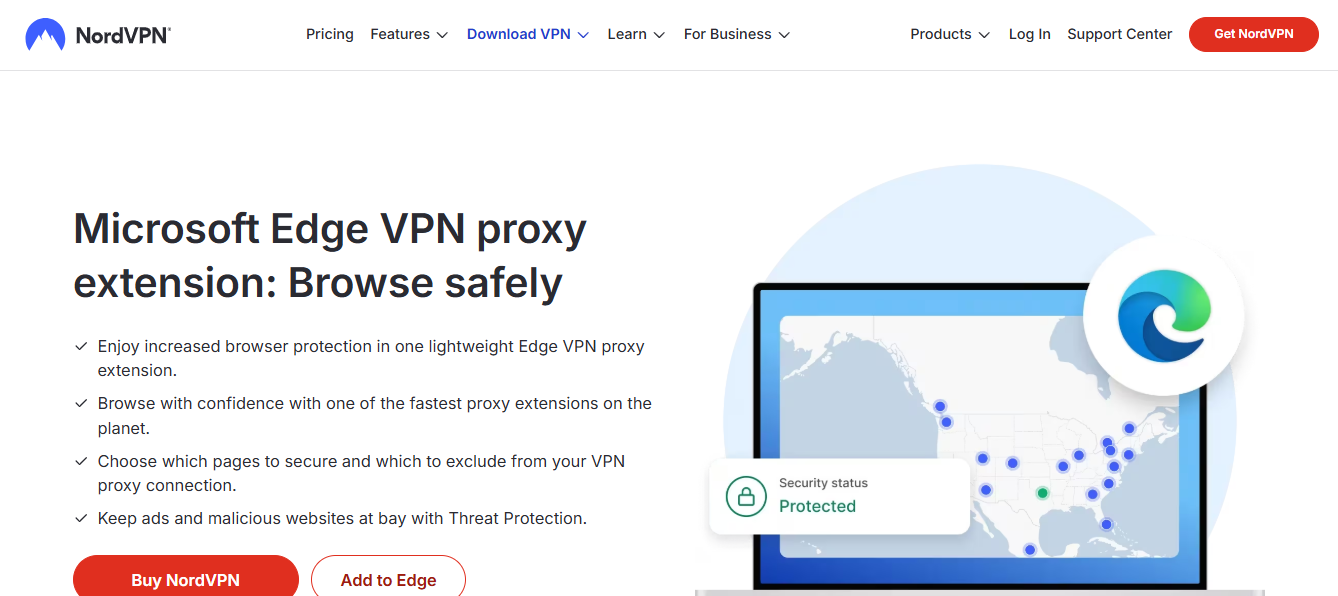
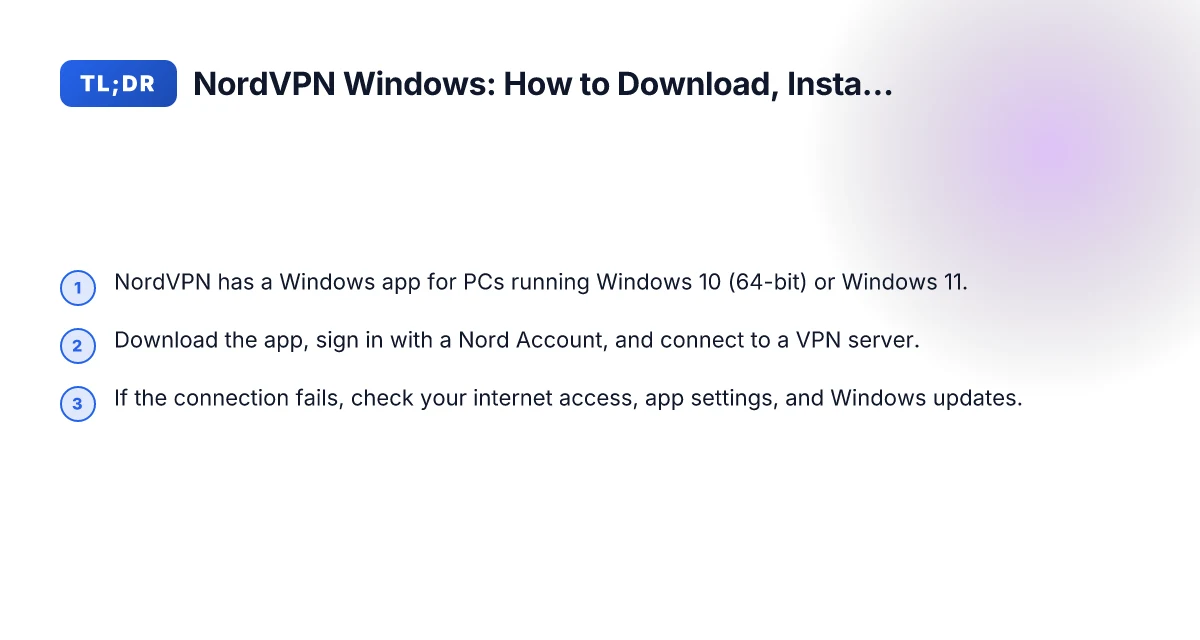
NordVPN works on Windows 10 (64-bit) and Windows 11. To get started, download the Windows app from NordVPN’s official website, install it, and sign in with your Nord Account. Once connected to a server, your internet traffic is routed through the VPN connection, which can help protect your online activity on public or private networks.
Choose the best way to download NordVPN for Windows
| Download option | Where to get it | Install steps | Updates | Best for |
|---|---|---|---|---|
| NordVPN website | Official NordVPN site | Download and run installer | Through the app | Most Windows users |
| Microsoft Store | Microsoft Store | Select Install | Through the Store | Store-based app management |
| Third-party download site | Unofficial site | Varies by site | Varies by site | Not recommended |
| Existing installer file | Previously downloaded file | Run the saved installer | May need a newer file | Reinstalling offline |
| Work or school device | Approved source | Follow administrator rules | May be managed | Managed Windows PCs |
| Shared computer | Official source | Install only with permission | Through the app | Authorized shared use |
Compiled November 2026; check the provider's site for current details.
| VPN | Obfuscation | From / month | Plan | Free plan | Refund | Alipay | UnionPay | Crypto | Website opens in China | Trustpilot | |
|---|---|---|---|---|---|---|---|---|---|---|---|
 NordVPN | Turn on manually Obfuscated Servers / NordWhisper | $3.49/mo | 27 months: $94.23 | No | 30 days | ? | ✗ | ✓ | ✓ | ✗ Blocked | 4.2/5 (51,628 reviews) |
 ZoogVPN | Turn on manually Shadow | $2.49/mo | 27 months: $59.99 | Yes | 7 days | ✓ | ✓ | ✓ | ✓ | Official site blocked; our special link opens (4.4 s) | 4.2/5 (195 reviews) |
 ExpressVPN | ✓ On by default all servers | $3.00/mo | 28 months: $84 | No | 30 days | ✗ | ✗ | ✓ | ✗ | ✗ Blocked | 4.4/5 (29,706 reviews) |
 Surfshark | ✓ On by default Camouflage, with OpenVPN | See site | See site | No | 30 days | ✗ | ✗ | ✗ | ✓ | ✗ Blocked | 4.3/5 (31,823 reviews) |
 Proton VPN | Turn on manually Stealth, free plan too | $2.99/mo | 12 months: $35.88 | Yes | 30 days | ✗ | ✗ | ✗ | ✓ | ✗ Blocked | 2.1/5 (1,040 reviews) |
 Astrill VPN | Turn on manually StealthVPN / OpenWeb | $12.50/mo | 24 months: $300 | No | See site | ✗ | ✗ | ✗ | ✓ | ✗ Blocked | 1.3/5 (110 reviews) |
 Private Internet Access | Turn on manually Shadowsocks, OpenVPN only | $2.03/mo | 40 months: $81.2 | No | 30 days | ✗ | ✗ | ✗ | ✗ | ✗ Blocked | 4.2/5 (11,033 reviews) |
 CyberGhost | Turn on manually selected servers | $2.19/mo | 28 months: $61.32 | No | 45 days | ✗ | ✗ | ✗ | ✓ | ✗ Blocked | 4.0/5 (24,178 reviews) |
 PureVPN | Turn on manually switch to OpenVPN | $1.69/mo | 60 months: $101.55 | No | 31 days | ? | ? | ✗ | ✓ | ✗ Blocked | 4.4/5 (17,994 reviews) |
 AdGuard VPN | ✓ On by default TrustTunnel | $2.99/mo | 24 months: $71.76 | Yes | 30 days | ✓ | ✗ | ✓ | ✓ | Official site blocked; our special link opens (3.7 s) | 4.3/5 (290 reviews) |
 Mullvad | Turn on manually QUIC / Shadowsocks / LWO | $5.61/mo | €5/mo | No | 14 days | ✗ | ✗ | ✗ | ✓ | ✗ Blocked | 3.2/5 (192 reviews) |
 Windscribe | Turn on manually Stealth / WStunnel | $5.75/mo | 12 months: $69 | Yes | See site | ✗ | ✗ | ✗ | ✓ | ✗ Blocked | 4.7/5 (13,355 reviews) |
 StrongVPN | Turn on manually Scramble, OpenVPN TCP | See site | See site | No | 30 days | ✓ | ✗ | ✗ | ✗ | ✗ Blocked | 4.4/5 (2,695 reviews) |
 LightXtreme 闪连 | Not listed | $7.08/mo | 12 months: $84.99 | Yes | 30 days | ✓ | ✓ | ✓ | ✓ | ✓ Yes (3.5 s) | No page |
Prices checked 2026-11-10 on each vendor's pricing page (cheapest long plan, USD). Check the vendor's checkout for the final price.
Obfuscation checked 2026-11-14 on each vendor's site and help center: "on by default" = nothing to set; "turn on manually" = switch protocol or mode in settings; "not listed" = the vendor describes no obfuscation.
Payment methods checked 2026-11-10 on each vendor's payment pages: all 14 take cards and PayPal; ✗ = not listed, ? = the vendor's own pages disagree.
China access: whether the official website opens from mainland China networks (tests the website only, not the VPN connection). Last checked 2026-11-18 01:02 Beijing time.
Trustpilot score and review count checked 2026-11-10.
How to download NordVPN for Windows
Use NordVPN’s official Windows download page to get the app. The official download is the clearest choice for a current installation and helps you avoid files from unfamiliar third-party sites.
Before downloading, make sure you have:
- A PC running Windows 10 (64-bit) or Windows 11.
- A working internet connection.
- A Nord Account to sign in. If you do not have one, you’ll need to create an account.
After the installer downloads, open the file and follow the prompts on screen. Windows may ask you to approve the installation. When setup is complete, launch NordVPN and sign in.
How to install and connect
The basic setup is straightforward: Microsoft Edge Secure Network VPN Reviews: Is It Safe and Worth Using?
- Download the Windows app from NordVPN’s official website.
- Open the downloaded installer and follow its instructions.
- Start the app once installation finishes.
- Log in with your Nord Account.
- Choose a server or use the app’s quick-connect option.
The app’s interface may change as it is updated, so the wording or placement of controls can differ slightly. If you want to use a particular location, select a server in that country or city when the app offers that choice. For general browsing, connecting to an available server is usually enough to get started.
A VPN connection can help protect traffic between your PC and the VPN server, particularly when you use public Wi-Fi. It also changes the IP address that websites see. A VPN does not make you anonymous or replace other security measures, such as strong passwords and up-to-date software.
Compare connection choices in NordVPN for Windows
| Choice | What it does | Setup effort | Useful when | Consideration |
|---|---|---|---|---|
| Quick Connect | Connects to a recommended server | Low | You want a fast start | Server choice is automatic |
| Country selection | Connects through a chosen country | Low | You need a location preference | Availability can vary |
| Specialty server | Connects to a supported server type | Medium | You need a specific use case | Options depend on the app |
| Auto-connect | Connects automatically under configured conditions | Medium | You want fewer manual steps | Review its connection rules |
| Split tunneling | Selects apps that use the VPN | Medium | Some apps need a different route | Availability may vary |
| Disconnect | Ends the VPN connection | Low | You need normal network access | Traffic is no longer VPN-routed |
Compiled November 2026; check the provider's site for current details. Nord VPN in China: Does It Work and How to Prepare
NordVPN for Windows: what to expect
The Windows app is designed to let you connect and manage your VPN from your computer. Its practical value depends on what you need it for: protecting traffic on a network, changing your apparent IP address, or accessing services while traveling. Websites and streaming platforms can still apply their own access rules, and a VPN cannot guarantee that a particular service will work from every location.
| What you want to do | What the Windows app can help with | Keep in mind |
|---|---|---|
| Protect your connection | Route internet traffic through a VPN server | A VPN is only one part of online security |
| Change your apparent IP address | Connect through a server in another location | Websites may use other signals to determine access |
| Browse on public Wi-Fi | Add a layer of protection to the connection | Avoid sensitive activity on networks you do not trust when possible |
| Use a streaming service | Connect through a VPN server | Streaming providers may block or limit VPN connections |
For a smooth experience, keep the app and Windows updated, and choose a server that suits your needs. If a website or service does not load while connected, try another server or disconnect briefly to check whether the VPN is causing the issue.
Troubleshooting NordVPN on Windows
If NordVPN will not connect or the app behaves unexpectedly, work through a few basic checks:
- Confirm your internet connection. Disconnect from the VPN and see whether other websites load.
- Restart the app. Close NordVPN fully, reopen it, and try connecting again.
- Try another server. The issue may be specific to the server you selected.
- Restart your PC. This can clear temporary network or app problems.
- Check for updates. Make sure both the NordVPN app and Windows are up to date.
- Review network restrictions. A work, school, or public network may limit VPN connections.
If the app still does not work on Windows 11, note any error message and consult NordVPN’s Windows support instructions. Avoid downloading replacement installers from unofficial sites. If you use a firewall or other security software, check its settings carefully rather than disabling protection altogether. Does Microsoft Edge Have VPN? What Edge Secure Network Does
Troubleshoot common NordVPN Windows issues
| Issue | First check | Next step | If it continues |
|---|---|---|---|
| App will not install | Windows compatibility | Download from the official source | Contact NordVPN support |
| App will not open | Restart Windows | Update or reinstall the app | Contact support |
| Cannot sign in | Account details and internet access | Reset the password if needed | Check account support options |
| Cannot connect | Internet connection | Try another server | Restart the app and retry |
| Slow connection | Current server and network | Try a nearby server | Check other network traffic |
| VPN disconnects | Network stability | Review auto-connect settings | Update the app |
| Website does not load | VPN connection status | Try another server or reconnect | Check the website without VPN |
| Need help | App version and error details | Visit NordVPN support | Share the details with support |
Compiled November 2026; check the provider's site for current details.
Common questions
Does NordVPN work on Windows?
Yes. NordVPN provides a Windows app for PCs running Windows 10 (64-bit) or Windows 11. You need internet access to download the app and a Nord Account to sign in.
Why isn’t NordVPN working on Windows 11?
Possible causes include a temporary internet problem, an app that needs updating, a server issue, or network restrictions. Restart the app and PC, try another server, and check that Windows and the app are current. For persistent problems, use NordVPN’s official support guidance. How to Enable VPN in Edge: Turn On Microsoft Edge Secure Network
Is NordVPN trustworthy?
NordVPN is a VPN provider that offers an app for Windows. As with any service, review its current privacy information, account terms, and security features directly before deciding whether it meets your needs. A VPN can help protect internet traffic, but it does not guarantee anonymity or prevent every online risk.
Why might Amazon Prime block a VPN connection?
Streaming services can restrict access based on their own policies and may detect or block VPN connections. If Amazon Prime does not work while NordVPN is connected, try another server or disconnect the VPN to see whether that resolves the issue. Access depends on the service’s rules and is not guaranteed.
Recommendation
For a Windows PC, download NordVPN from its official Windows page, install it, and sign in with your Nord Account. Connect to a server that fits your needs, keep the app updated, and use NordVPN as one layer of a broader approach to online security.
喻长庚跟踪各家VPN在国内的连接情况和官网可访问性。