VPN for Edge: How to Choose and Use One
Find out whether Edge has a built-in VPN, how VPN extensions work, and what to check before choosing one.
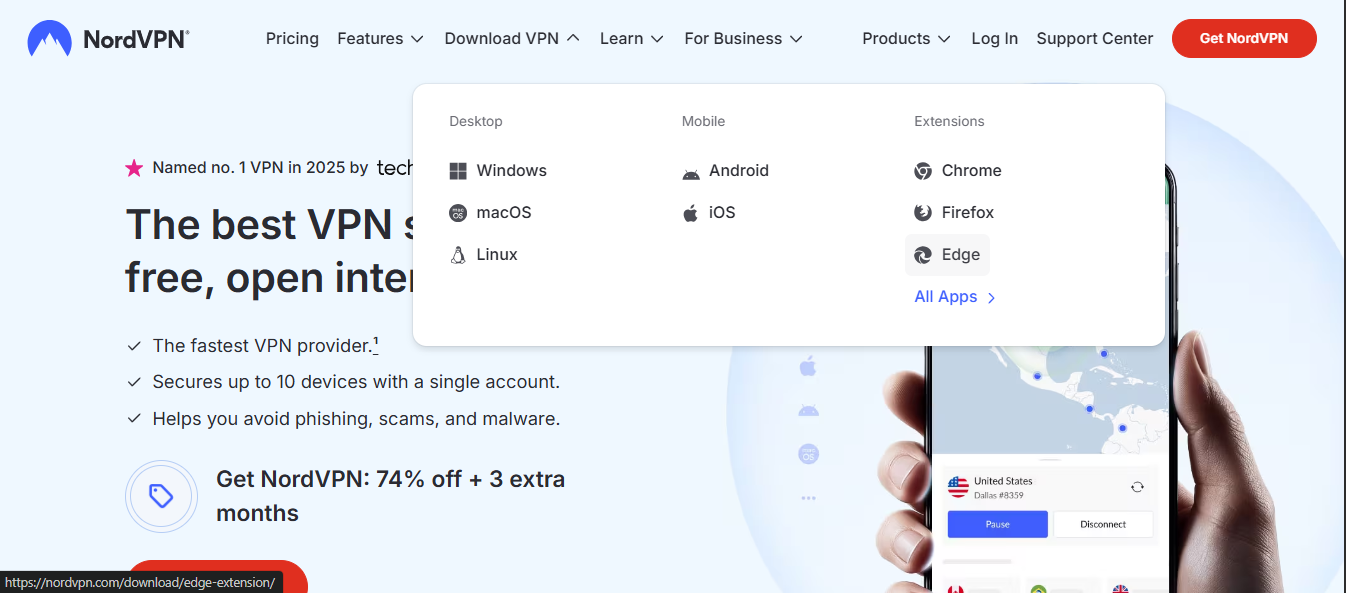
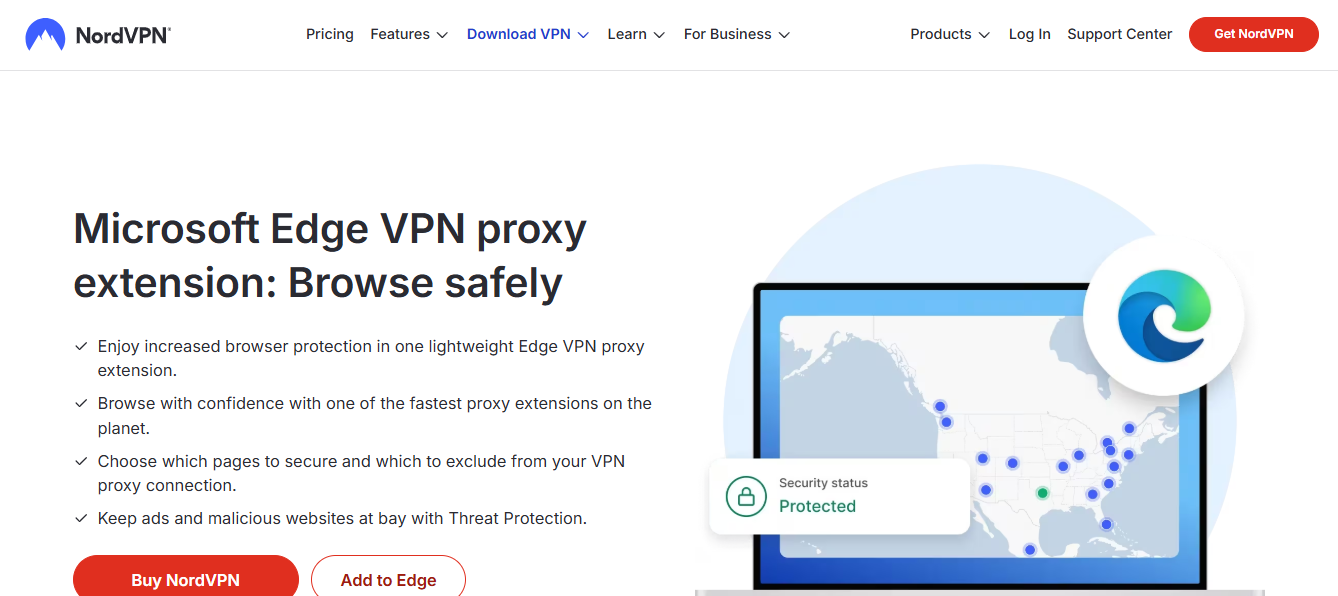
A VPN for Edge can help protect browser traffic and change the apparent location of your connection. You can use a VPN extension from the Microsoft Edge Add-ons store or a VPN app that covers more of your device. Edge may also offer a built-in VPN feature in some versions or regions, but availability and terms can change.
Compare Edge VPN approaches
| Option | Edge traffic covered | Other apps covered | Setup | Best fit |
|---|---|---|---|---|
| Microsoft Edge built-in VPN | Browser traffic | No | Enable in Edge settings | Basic browser-only use |
| Edge VPN extension | Browser traffic | No | Install from Edge Add-ons | Quick, browser-focused setup |
| Full VPN app | Device traffic, including Edge | Yes | Install the provider’s app | Protection across apps |
| Extension and app together | Depends on provider | Usually yes | Install both and check settings | Specific provider features |
| Proxy extension | Browser traffic | No | Add extension and choose a proxy | Changing browser location |
| No VPN | No VPN protection | No | No setup | Everyday browsing without VPN |
Compiled November 2026; check the provider's site for current details.
| VPN | Obfuscation | From / month | Plan | Free plan | Refund | Alipay | UnionPay | Crypto | Website opens in China | Trustpilot | |
|---|---|---|---|---|---|---|---|---|---|---|---|
 ZoogVPN | Turn on manually Shadow | $2.49/mo | 27 months: $59.99 | Yes | 7 days | ✓ | ✓ | ✓ | ✓ | Official site blocked; our special link opens (4.4 s) | 4.2/5 (195 reviews) |
 NordVPN | Turn on manually Obfuscated Servers / NordWhisper | $3.49/mo | 27 months: $94.23 | No | 30 days | ? | ✗ | ✓ | ✓ | ✗ Blocked | 4.2/5 (51,628 reviews) |
 ExpressVPN | ✓ On by default all servers | $3.00/mo | 28 months: $84 | No | 30 days | ✗ | ✗ | ✓ | ✗ | ✗ Blocked | 4.4/5 (29,706 reviews) |
 Surfshark | ✓ On by default Camouflage, with OpenVPN | See site | See site | No | 30 days | ✗ | ✗ | ✗ | ✓ | ✗ Blocked | 4.3/5 (31,823 reviews) |
 Proton VPN | Turn on manually Stealth, free plan too | $2.99/mo | 12 months: $35.88 | Yes | 30 days | ✗ | ✗ | ✗ | ✓ | ✗ Blocked | 2.1/5 (1,040 reviews) |
 Astrill VPN | Turn on manually StealthVPN / OpenWeb | $12.50/mo | 24 months: $300 | No | See site | ✗ | ✗ | ✗ | ✓ | ✗ Blocked | 1.3/5 (110 reviews) |
 Private Internet Access | Turn on manually Shadowsocks, OpenVPN only | $2.03/mo | 40 months: $81.2 | No | 30 days | ✗ | ✗ | ✗ | ✗ | ✗ Blocked | 4.2/5 (11,033 reviews) |
 CyberGhost | Turn on manually selected servers | $2.19/mo | 28 months: $61.32 | No | 45 days | ✗ | ✗ | ✗ | ✓ | ✗ Blocked | 4.0/5 (24,178 reviews) |
 PureVPN | Turn on manually switch to OpenVPN | $1.69/mo | 60 months: $101.55 | No | 31 days | ? | ? | ✗ | ✓ | ✗ Blocked | 4.4/5 (17,994 reviews) |
 AdGuard VPN | ✓ On by default TrustTunnel | $2.99/mo | 24 months: $71.76 | Yes | 30 days | ✓ | ✗ | ✓ | ✓ | Official site blocked; our special link opens (3.7 s) | 4.3/5 (290 reviews) |
 Mullvad | Turn on manually QUIC / Shadowsocks / LWO | $5.61/mo | €5/mo | No | 14 days | ✗ | ✗ | ✗ | ✓ | ✗ Blocked | 3.2/5 (192 reviews) |
 Windscribe | Turn on manually Stealth / WStunnel | $5.75/mo | 12 months: $69 | Yes | See site | ✗ | ✗ | ✗ | ✓ | ✗ Blocked | 4.7/5 (13,355 reviews) |
 StrongVPN | Turn on manually Scramble, OpenVPN TCP | See site | See site | No | 30 days | ✓ | ✗ | ✗ | ✗ | ✗ Blocked | 4.4/5 (2,695 reviews) |
 LightXtreme 闪连 | Not listed | $7.08/mo | 12 months: $84.99 | Yes | 30 days | ✓ | ✓ | ✓ | ✓ | ✓ Yes (3.5 s) | No page |
Prices checked 2026-11-10 on each vendor's pricing page (cheapest long plan, USD). Check the vendor's checkout for the final price.
Obfuscation checked 2026-11-14 on each vendor's site and help center: "on by default" = nothing to set; "turn on manually" = switch protocol or mode in settings; "not listed" = the vendor describes no obfuscation.
Payment methods checked 2026-11-10 on each vendor's payment pages: all 14 take cards and PayPal; ✗ = not listed, ? = the vendor's own pages disagree.
China access: whether the official website opens from mainland China networks (tests the website only, not the VPN connection). Last checked 2026-11-18 01:02 Beijing time.
Trustpilot score and review count checked 2026-11-10.
Does Microsoft Edge have a built-in VPN?
Some search results and discussions describe a built-in VPN feature in Edge. However, its availability, data allowance, and operation may depend on your version of Edge, location, and Microsoft account. Do not assume it is included or that it provides unlimited data.
Check Edge’s settings and Microsoft’s current help information to see whether the feature is available to you and what its limits are. A browser-based feature is not necessarily the same as a full VPN app: it may protect only eligible browser activity rather than every connection on your computer.
VPN extension or full VPN app?
A VPN extension is installed in Edge and controlled from the browser toolbar. It is convenient for protecting browser sessions, but its coverage is generally limited to the browser or traffic managed by that extension. A full VPN app runs at the device level and can often protect traffic from other apps too, depending on its settings.
| Option | What it may cover | Useful when |
|---|---|---|
| Edge VPN extension | Browser traffic handled by the extension | You mainly want protection while browsing in Edge |
| Full VPN app | Device traffic, subject to app settings | You want coverage for other apps as well |
| Edge built-in VPN, if available | The activity specified by Microsoft’s feature | You want to use an integrated option and accept its terms |
A VPN changes how your connection is routed, but it does not make you completely anonymous. Websites can still identify you through sign-ins, cookies, browser settings, or other tracking methods. chrome urban VPN(2026)
Choose an Edge VPN
| Criterion | What to look for | Why it matters | Check before choosing |
|---|---|---|---|
| Coverage | Browser-only or device-wide | Determines which traffic is covered | Extension versus full app |
| Privacy | Clear logging policy | Shows how browsing data is handled | Read the provider’s policy |
| Security | Reputable protection features | Helps safeguard connection data | Review provider details |
| Performance | Reliable, responsive service | Affects browsing and streaming | Test with your usual sites |
| Server choice | Locations that suit your needs | Supports access to preferred regions | Check available locations |
| Ease of use | Simple controls and setup | Makes everyday use more manageable | Try the extension or app |
| Compatibility | Support for Edge and your device | Avoids installation issues | Check current requirements |
| Cost | Transparent pricing and renewal terms | Helps avoid unexpected charges | Review trial and cancellation terms |
Compiled November 2026; check the provider's site for current details.
How to choose a VPN for Edge
Before installing an extension, check who operates it and how it handles your data. A VPN provider may be able to see connection information, so its privacy policy matters as much as its marketing claims.
Look for: free VPN that lets you choose location(2026)
- Clear privacy practices: Check what information is collected, how long it is retained, and whether it is shared.
- Appropriate security: Read the provider’s explanation of encryption and connection protection.
- Honest coverage details: Confirm whether the extension protects only Edge or works with a separate device app.
- A suitable data policy: Free options may have limits or other conditions. Verify the current terms rather than assuming unlimited use.
- A trustworthy source: Prefer the Microsoft Edge Add-ons store or the provider’s official website, and check the publisher name and permissions.
- Useful support and controls: Look for clear instructions on connecting, changing locations, and disconnecting.
Do not rely on claims such as “no logs,” “unlimited,” or “completely private” without reading the provider’s current policy and terms.
How to install and use an Edge VPN extension
The exact steps can differ by provider, but the general process is straightforward:
- Open the Microsoft Edge Add-ons store or the VPN provider’s official download page.
- Find the extension and confirm that the publisher is the provider you intended to install.
- Review its permissions and privacy information before adding it.
- Install the extension and sign in or create an account if required.
- Open it from the Edge toolbar, choose a server or location if available, and connect.
- Check the provider’s instructions to confirm the connection is active.
Extensions may request access to browser data or website activity to work. Consider whether those permissions make sense for the service, and remove the extension if you no longer use or trust it.
Is a free VPN for Edge a good choice?
A free VPN can be a practical way to try a browser extension, but “free” does not automatically mean private, safe, or suitable for regular use. Some free services place limits on data, locations, features, or speed. Others may rely on advertising or collect information under terms users overlook. NordVPN windows 10 VPN(2026)
Compare the current offer with your needs. If you only want occasional browser protection, a reputable free option with transparent terms may be enough. If you need consistent coverage across your device, more server choices, or dependable support, compare full VPN apps and their current plans. Never install an unfamiliar extension solely because it promises unlimited access.
Edge VPN setup and free-plan checks
| Decision point | Extension | Full VPN app | Free-plan check |
|---|---|---|---|
| Where to get it | Edge Add-ons store | Provider’s official site or app store | Verify the provider and source |
| What it protects | Edge browser traffic | Device traffic, including Edge | Confirm what the free tier covers |
| Installation | Add extension to Edge | Install and open the app | Check whether signup is required |
| Connection | Use the extension’s controls | Connect through the app | Review any usage limits |
| Permissions | Review requested access | Review app permissions | Avoid unclear or excessive requests |
| Privacy | Read extension privacy details | Read provider privacy policy | Check logging and data practices |
| Restrictions | May have browser-only features | May include wider device controls | Look for speed, location, or data limits |
| Upgrade decision | Choose for browser-only needs | Choose for device-wide needs | Compare limits with your usage |
Compiled November 2026; check the provider's site for current details.
Recommendation
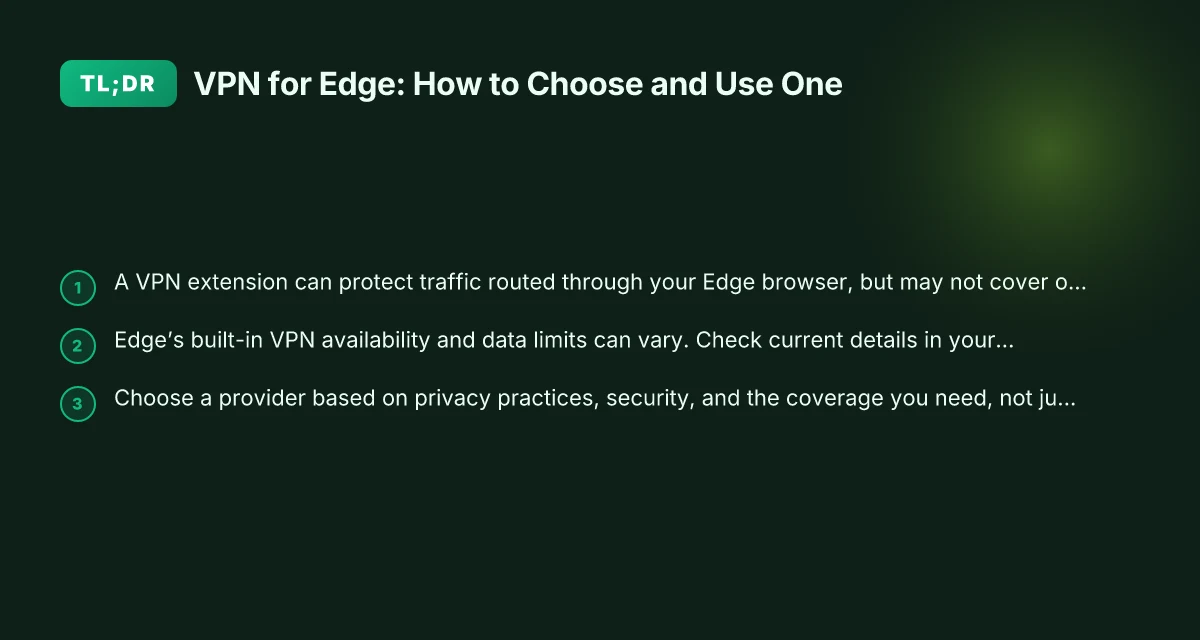
For a VPN for Edge, start by checking whether Edge’s built-in option is available to you and reading its current terms. Otherwise, choose a well-documented extension from a source you trust if browser-only coverage is enough. Choose a full VPN app if you need broader device protection. In either case, review the privacy policy and limits before connecting. iphone VPN(2026)
臧以宁整理使用VPN的常见风险和注意事项。