VPN to Change Location Free: How to Choose One Safely
Learn how free VPNs change your IP location, what limits to expect, and how to pick a safer option.
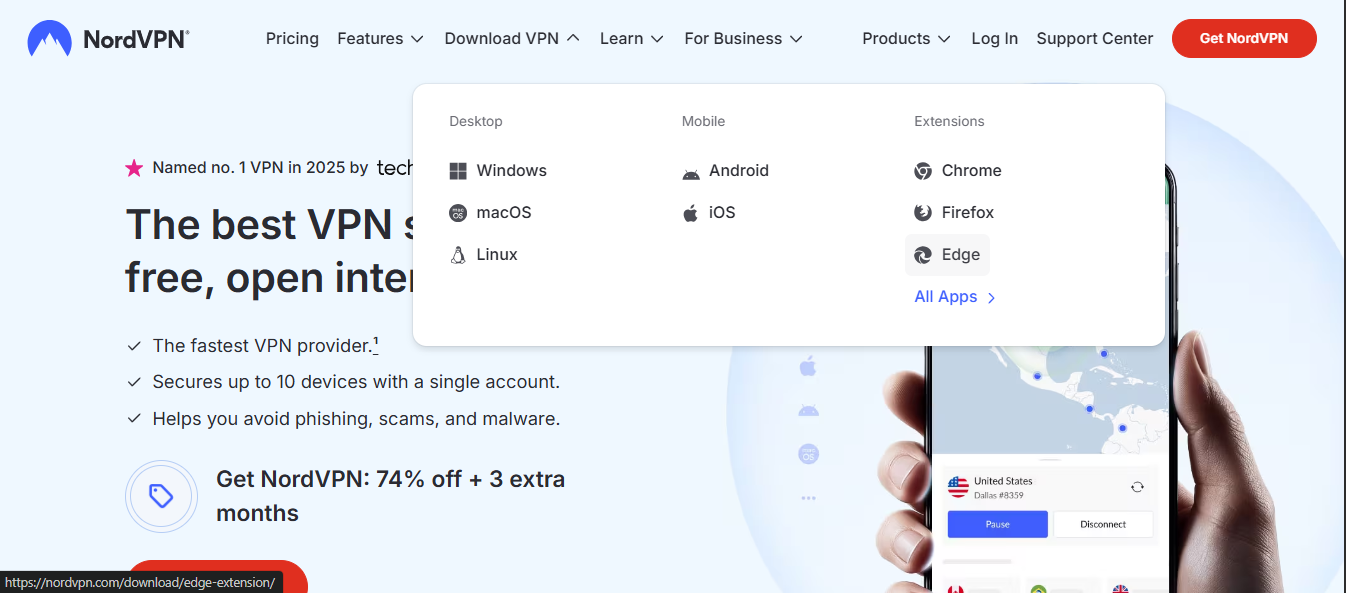
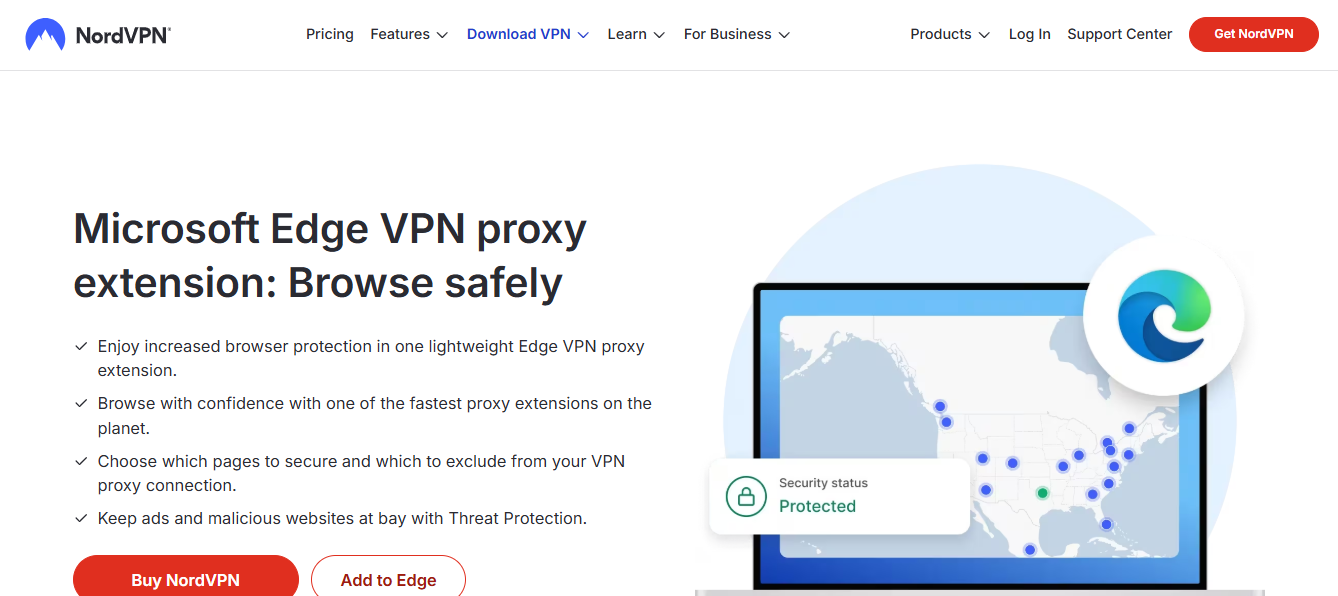
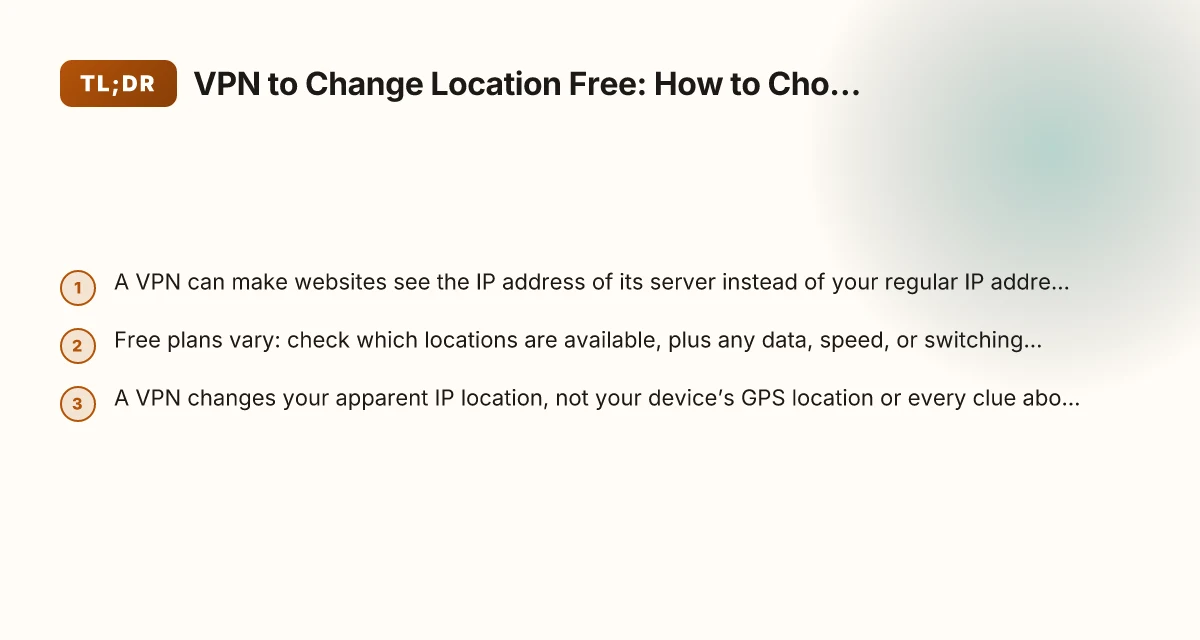
A VPN to change location free can make your internet connection appear to come from a different country or region by routing it through a VPN server. Choose a location offered by the provider, connect, and websites may see the server’s IP address rather than your usual one. The catch is that free services differ in server choice, privacy practices, and restrictions, so compare the terms before connecting.
Compare free VPNs by the factors that affect safety and usability
| Factor | What to check | Better sign | Caution sign |
|---|---|---|---|
| Provider transparency | Ownership and company details | Clearly identified provider | Unclear ownership |
| Privacy policy | Data collected and retained | Minimal, clearly explained logging | Vague or extensive collection |
| Security | Encryption and connection protection | Modern, clearly described safeguards | Missing security details |
| Independent audits | Whether claims have been reviewed | Recent, public audit | No verifiable audit |
| Free plan limits | Data, speed, and access restrictions | Limits suit your needs | Limits disrupt regular use |
| Server locations | Countries available on the free plan | A location you need is included | Few or unsuitable locations |
| App availability | Devices and operating systems supported | Works on your devices | Important device unsupported |
| Business model | How the service funds its free tier | Funding is explained | Unclear how the service earns money |
Compiled November 2026; check the provider's site for current details.
| VPN | Obfuscation | From / month | Plan | Free plan | Refund | Alipay | UnionPay | Crypto | Website opens in China | Trustpilot | |
|---|---|---|---|---|---|---|---|---|---|---|---|
 Proton VPN | Turn on manually Stealth, free plan too | $2.99/mo | 12 months: $35.88 | Yes | 30 days | ✗ | ✗ | ✗ | ✓ | ✗ Blocked | 2.1/5 (1,040 reviews) |
 ZoogVPN | Turn on manually Shadow | $2.49/mo | 27 months: $59.99 | Yes | 7 days | ✓ | ✓ | ✓ | ✓ | Official site blocked; our special link opens (4.4 s) | 4.2/5 (195 reviews) |
 NordVPN | Turn on manually Obfuscated Servers / NordWhisper | $3.49/mo | 27 months: $94.23 | No | 30 days | ? | ✗ | ✓ | ✓ | ✗ Blocked | 4.2/5 (51,628 reviews) |
 ExpressVPN | ✓ On by default all servers | $3.00/mo | 28 months: $84 | No | 30 days | ✗ | ✗ | ✓ | ✗ | ✗ Blocked | 4.4/5 (29,706 reviews) |
 Surfshark | ✓ On by default Camouflage, with OpenVPN | See site | See site | No | 30 days | ✗ | ✗ | ✗ | ✓ | ✗ Blocked | 4.3/5 (31,823 reviews) |
 Astrill VPN | Turn on manually StealthVPN / OpenWeb | $12.50/mo | 24 months: $300 | No | See site | ✗ | ✗ | ✗ | ✓ | ✗ Blocked | 1.3/5 (110 reviews) |
 Private Internet Access | Turn on manually Shadowsocks, OpenVPN only | $2.03/mo | 40 months: $81.2 | No | 30 days | ✗ | ✗ | ✗ | ✗ | ✗ Blocked | 4.2/5 (11,033 reviews) |
 CyberGhost | Turn on manually selected servers | $2.19/mo | 28 months: $61.32 | No | 45 days | ✗ | ✗ | ✗ | ✓ | ✗ Blocked | 4.0/5 (24,178 reviews) |
 PureVPN | Turn on manually switch to OpenVPN | $1.69/mo | 60 months: $101.55 | No | 31 days | ? | ? | ✗ | ✓ | ✗ Blocked | 4.4/5 (17,994 reviews) |
 AdGuard VPN | ✓ On by default TrustTunnel | $2.99/mo | 24 months: $71.76 | Yes | 30 days | ✓ | ✗ | ✓ | ✓ | Official site blocked; our special link opens (3.7 s) | 4.3/5 (290 reviews) |
 Mullvad | Turn on manually QUIC / Shadowsocks / LWO | $5.61/mo | €5/mo | No | 14 days | ✗ | ✗ | ✗ | ✓ | ✗ Blocked | 3.2/5 (192 reviews) |
 Windscribe | Turn on manually Stealth / WStunnel | $5.75/mo | 12 months: $69 | Yes | See site | ✗ | ✗ | ✗ | ✓ | ✗ Blocked | 4.7/5 (13,355 reviews) |
 StrongVPN | Turn on manually Scramble, OpenVPN TCP | See site | See site | No | 30 days | ✓ | ✗ | ✗ | ✗ | ✗ Blocked | 4.4/5 (2,695 reviews) |
 LightXtreme 闪连 | Not listed | $7.08/mo | 12 months: $84.99 | Yes | 30 days | ✓ | ✓ | ✓ | ✓ | ✓ Yes (3.5 s) | No page |
Prices checked 2026-11-10 on each vendor's pricing page (cheapest long plan, USD). Check the vendor's checkout for the final price.
Obfuscation checked 2026-11-14 on each vendor's site and help center: "on by default" = nothing to set; "turn on manually" = switch protocol or mode in settings; "not listed" = the vendor describes no obfuscation.
Payment methods checked 2026-11-10 on each vendor's payment pages: all 14 take cards and PayPal; ✗ = not listed, ? = the vendor's own pages disagree.
China access: whether the official website opens from mainland China networks (tests the website only, not the VPN connection). Last checked 2026-11-18 01:02 Beijing time.
Trustpilot score and review count checked 2026-11-10.
How a VPN changes your apparent location
When you connect to a VPN, your internet traffic travels through a VPN server. A website will generally see the server’s IP address, which is associated with a location, rather than the IP address assigned to you by your internet provider.
To try it:
- Install a VPN app from a provider you trust.
- Review the free plan’s privacy policy and location options.
- Choose an available server location and connect.
- Check your apparent IP location using a reputable IP-checking site.
A VPN changes the apparent location tied to your IP address. It does not necessarily change your GPS coordinates, device region settings, account country, or other information a website or app may use to infer where you are. Some services also block VPN connections or require an account region or payment method that matches your location.
What to compare in a free VPN
“Free” does not tell you what you get. Some providers limit which countries you can select, while others may set data or speed restrictions. The ability to switch locations can also differ between free and paid plans. How Can I Tell If a VPN Is Blocking My Internet?
| What to check | Why it matters |
|---|---|
| Available locations | A free plan may offer fewer countries than a paid plan. |
| Data allowance | A cap may make a VPN unsuitable for regular browsing or streaming. |
| Location switching | Confirm whether you can choose and change server locations on the free tier. |
| Privacy policy | Check what connection or activity data the provider collects and keeps. |
| Ads and app permissions | Look for intrusive advertising or permissions unrelated to VPN use. |
| Device support | Make sure the provider supports your phone, computer, or other device. |
Read the provider’s current plan details rather than assuming that a feature advertised on its homepage is included for free. Offers and restrictions can change.
Match a free VPN to your intended use
| Use case | What matters most | Check before choosing | Common trade-off |
|---|---|---|---|
| Changing apparent location | Server country | Free plan includes the country | Few free locations |
| Occasional browsing | Data allowance | Allowance fits your sessions | Limited data |
| Public Wi-Fi | Security and privacy practices | Protections are clearly described | Free tier may have restrictions |
| Streaming video | Service access and speed | Test the service and stream | Streaming may be blocked |
| Music streaming | Region access and reliability | Check the music service’s rules | Location changes may not work |
| Frequent use | Speed and data limits | Confirm limits are practical | Free plans may feel restrictive |
| Multiple devices | App and connection support | Check each device separately | Some platforms may be unsupported |
Compiled November 2026; check the provider's site for current details.
Free VPN options: understand the trade-offs
Among the options shown in current search results, Proton VPN says its free plan has no data limit, no ads, and no logs of user activity. That can make it worth considering if you want a free VPN for general privacy. Check its current free-plan location options, though: unlimited data does not automatically mean access to every country or unlimited location switching. NordVPN Windows: How to Download, Install, and Use It
UrbanVPN advertises access to 82 VPN countries, unlimited server and location switches, and unlimited use. These are provider claims, not a guarantee that every feature will suit your needs. Review the privacy policy, app permissions, and free-plan terms before installing it.
Use these examples as starting points, not endorsements. A free VPN’s server availability and terms may change, and a large location list alone does not establish that a service is a good choice for privacy.
Questions to ask before connecting
- Does the free plan let you select the country you need?
- Can you switch locations without upgrading?
- Does the provider explain what information it collects?
- Are the service’s claims clear and supported by its published policy?
- Will the VPN work for your intended activity?
Can you use a free VPN for streaming or music?
Sometimes, but there is no guarantee. A VPN may give a streaming or music service an IP address associated with another country, but the service can detect and block VPN traffic. Its catalog may also depend on account details, licensing rules, or other location signals.
If you are trying to access a song or video that is unavailable where you are, check the service’s terms and local rules. A VPN does not grant access rights or override a platform’s restrictions. Free plans may also have limited server choices or performance that affects playback. Microsoft Edge Secure Network VPN Reviews: Is It Safe and Worth Using?
Decide whether a VPN or a device setting can change your location
| Location signal | What it represents | Can a VPN change it? | What to check |
|---|---|---|---|
| Public IP address | Approximate internet location | Yes | VPN server country |
| GPS location | Device’s physical position | No | Device location permissions |
| Wi-Fi and mobile signals | Nearby networks or cell towers | No | Device and app settings |
| App location access | Data an app can request | Not by itself | App permissions |
| Website location estimate | A site’s interpretation of signals | Sometimes | IP and browser permissions |
| Streaming region | Service-determined viewing region | Sometimes | Service rules and VPN detection |
| Music region | Service-determined catalog or account region | Sometimes | Account settings and service rules |
| Combined location checks | Multiple device and network signals | Not reliably | Which signals the app or site uses |
Compiled November 2026; check the provider's site for current details.
VPN location versus GPS location
A VPN can change your apparent IP location, but it does not, by itself, change your device’s GPS location. An app with location permission may use GPS, nearby Wi-Fi networks, Bluetooth, or device settings instead of relying only on your IP address.
If an app still shows your usual location after you connect: Nord VPN in China: Does It Work and How to Prepare
- Check whether it has permission to use your precise location.
- Review the app’s location and region settings.
- Confirm that the VPN connection is active and using the intended server.
- Remember that accounts and payment details can also reveal or determine a region.
Do not assume a VPN makes you anonymous. It can help protect traffic between your device and the VPN server, but the VPN provider may still see some connection information, and websites can identify you through sign-ins, cookies, or other signals.
Choose a free VPN with care
Avoid selecting a VPN solely because it promises unlimited locations or an easy way to bypass restrictions. Before installing one, review its privacy policy, permissions, and current plan details. Download the app from an official source, keep it updated, and disconnect if the provider’s terms or behavior do not match what you expect.
Recommendation
For a free VPN to change your apparent IP location, first check whether its free plan offers the country you need and allows location switching. Proton VPN advertises a free plan with no data limit, ads, or activity logs. Confirm its current server options before choosing it. Whichever provider you consider, compare privacy terms and remember that a VPN changes your IP-based location, not GPS or every signal an app may use.
臧以宁整理使用VPN的常见风险和注意事项。