Forticlientvpninstaller.exe: Download and Install FortiClient VPN Safely

Learn what forticlientvpninstaller.exe is, where to get it, and how to install FortiClient VPN safely on Windows.
If you’re looking for forticlientvpninstaller.exe, you likely need the Windows installer for FortiClient VPN. Download it through Fortinet’s official product-download page or an approved workplace or school portal, then install it and enter the VPN connection details provided by your organization. The installer alone does not configure access: you may also need a server address, login credentials, or other settings from your IT team.
Compare the safest places to get the FortiClient VPN installer
| Download source | Trust level | What to verify | Main risk |
|---|---|---|---|
| Fortinet official website | Preferred | Official Fortinet domain | Low when verified |
| Fortinet support portal | Preferred | Sign-in and product details | Low when verified |
| Employer or school IT portal | Use if approved | Confirm with IT | May be organization-specific |
| Link from an IT administrator | Verify first | Ask the administrator to confirm | Mistyped or outdated link |
| Third-party download site | Avoid | Official source is safer | Modified or bundled files |
| File-sharing service | Avoid | No reliable publisher check | Unknown file changes |
| Search-result download button | Treat cautiously | Check the actual domain | Ads may resemble downloads |
Compiled November 2026; check the provider's site for current details.
| VPN | Obfuscation | From / month | Plan | Free plan | Refund | Alipay | UnionPay | Crypto | Website opens in China | Trustpilot | |
|---|---|---|---|---|---|---|---|---|---|---|---|
 ZoogVPN | Turn on manually Shadow | $2.49/mo | 27 months: $59.99 | Yes | 7 days | ✓ | ✓ | ✓ | ✓ | Official site blocked; our special link opens (4.4 s) | 4.2/5 (195 reviews) |
 NordVPN | Turn on manually Obfuscated Servers / NordWhisper | $3.49/mo | 27 months: $94.23 | No | 30 days | ? | ✗ | ✓ | ✓ | ✗ Blocked | 4.2/5 (51,628 reviews) |
 ExpressVPN | ✓ On by default all servers | $3.00/mo | 28 months: $84 | No | 30 days | ✗ | ✗ | ✓ | ✗ | ✗ Blocked | 4.4/5 (29,706 reviews) |
 Surfshark | ✓ On by default Camouflage, with OpenVPN | See site | See site | No | 30 days | ✗ | ✗ | ✗ | ✓ | ✗ Blocked | 4.3/5 (31,823 reviews) |
 Proton VPN | Turn on manually Stealth, free plan too | $2.99/mo | 12 months: $35.88 | Yes | 30 days | ✗ | ✗ | ✗ | ✓ | ✗ Blocked | 2.1/5 (1,040 reviews) |
 Astrill VPN | Turn on manually StealthVPN / OpenWeb | $12.50/mo | 24 months: $300 | No | See site | ✗ | ✗ | ✗ | ✓ | ✗ Blocked | 1.3/5 (110 reviews) |
 Private Internet Access | Turn on manually Shadowsocks, OpenVPN only | $2.03/mo | 40 months: $81.2 | No | 30 days | ✗ | ✗ | ✗ | ✗ | ✗ Blocked | 4.2/5 (11,033 reviews) |
 CyberGhost | Turn on manually selected servers | $2.19/mo | 28 months: $61.32 | No | 45 days | ✗ | ✗ | ✗ | ✓ | ✗ Blocked | 4.0/5 (24,178 reviews) |
 PureVPN | Turn on manually switch to OpenVPN | $1.69/mo | 60 months: $101.55 | No | 31 days | ? | ? | ✗ | ✓ | ✗ Blocked | 4.4/5 (17,994 reviews) |
 AdGuard VPN | ✓ On by default TrustTunnel | $2.99/mo | 24 months: $71.76 | Yes | 30 days | ✓ | ✗ | ✓ | ✓ | Official site blocked; our special link opens (3.7 s) | 4.3/5 (290 reviews) |
 Mullvad | Turn on manually QUIC / Shadowsocks / LWO | $5.61/mo | €5/mo | No | 14 days | ✗ | ✗ | ✗ | ✓ | ✗ Blocked | 3.2/5 (192 reviews) |
 Windscribe | Turn on manually Stealth / WStunnel | $5.75/mo | 12 months: $69 | Yes | See site | ✗ | ✗ | ✗ | ✓ | ✗ Blocked | 4.7/5 (13,355 reviews) |
 StrongVPN | Turn on manually Scramble, OpenVPN TCP | See site | See site | No | 30 days | ✓ | ✗ | ✗ | ✗ | ✗ Blocked | 4.4/5 (2,695 reviews) |
 LightXtreme 闪连 | Not listed | $7.08/mo | 12 months: $84.99 | Yes | 30 days | ✓ | ✓ | ✓ | ✓ | ✓ Yes (3.5 s) | No page |
Prices checked 2026-11-10 on each vendor's pricing page (cheapest long plan, USD). Check the vendor's checkout for the final price.
Obfuscation checked 2026-11-14 on each vendor's site and help center: "on by default" = nothing to set; "turn on manually" = switch protocol or mode in settings; "not listed" = the vendor describes no obfuscation.
Payment methods checked 2026-11-10 on each vendor's payment pages: all 14 take cards and PayPal; ✗ = not listed, ? = the vendor's own pages disagree.
China access: whether the official website opens from mainland China networks (tests the website only, not the VPN connection). Last checked 2026-11-18 01:02 Beijing time.
Trustpilot score and review count checked 2026-11-10.
What is forticlientvpninstaller.exe?
The .exe extension identifies a Windows executable installer. In this case, the filename refers to an installer for FortiClient VPN, Fortinet software used to connect to a configured virtual private network.
FortiClient is also offered in broader security and endpoint-management configurations. The options available can vary by product version and how an organization deploys the software. For personal VPN access, make sure you select the VPN product or installer specified by your organization rather than assuming every FortiClient download is configured the same way.
An installer file does not itself provide VPN access. You need a valid VPN service and the connection information or setup instructions for it.
Where to download the installer
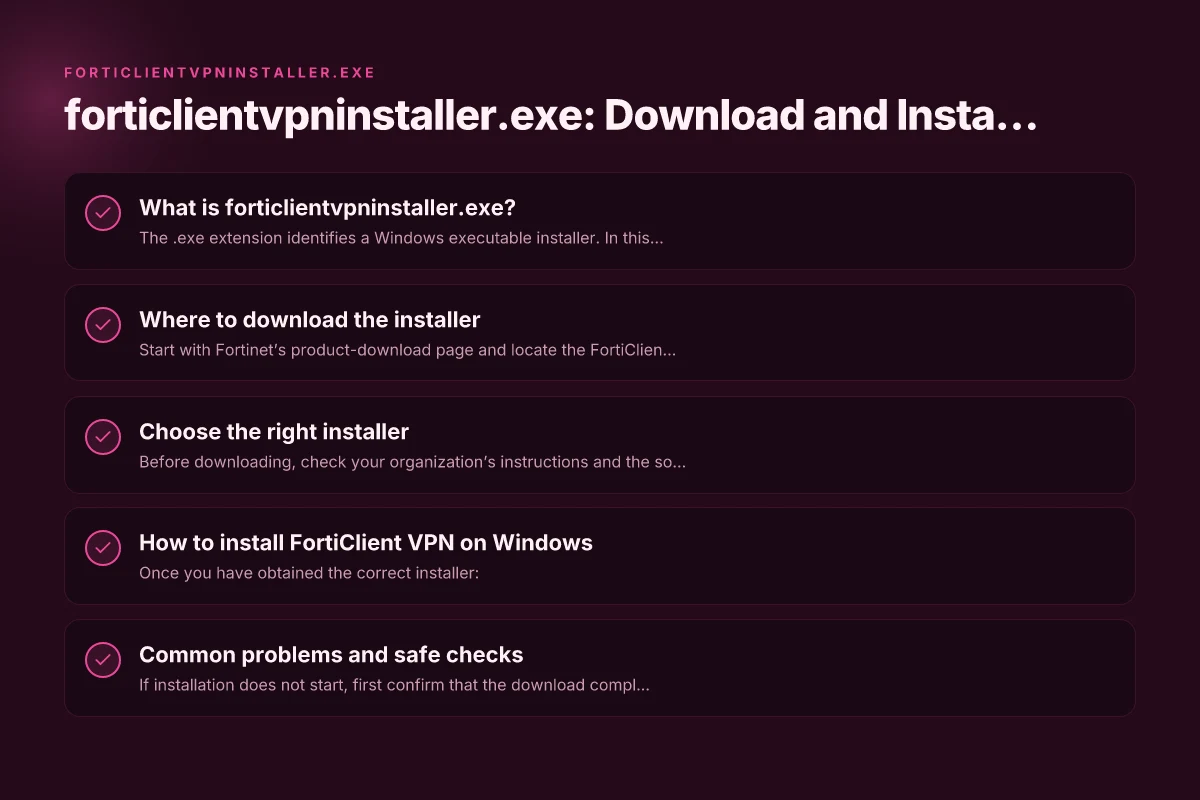
Start with Fortinet’s product-download page and locate the FortiClient VPN download for Windows. Fortinet’s support resources also describe how to obtain the FortiClient VPN installer and FCRemove.exe through Fortinet Support. If your employer, school, or service provider maintains a software portal, use the link they supply. They may provide a specific version or a customized deployment package. VPN to Change Location Free: How to Choose One Safely
Prefer these sources:
- Fortinet’s official product-download page.
- Fortinet Support, if you have access and need its installer resources.
- Your organization’s approved software portal or IT instructions.
Avoid downloading executable installers from unfamiliar file-sharing pages, unofficial mirrors, or video descriptions. A file with the expected name is not proof that it is genuine or safe. If a download link came from an unexpected message, verify it with the sender or your IT team before opening it.
Choose an installer that fits your Windows setup
| Option | Best for | Source to use | Check before download |
|---|---|---|---|
| FortiClient VPN-only installer | VPN access only | Fortinet official source | Confirm it is the VPN-only build |
| Full FortiClient installer | Additional managed security features | Fortinet or organization IT | Confirm required features with IT |
| Organization-provided installer | Employer or school VPN | Approved IT portal | Follow organization instructions |
| Current supported release | New installation | Official Fortinet source | Check Windows and product compatibility |
| Existing-version update | Updating a working setup | Official source or IT portal | Check update guidance |
| Installer for another Windows version | Not suitable unless specified | Do not select by guesswork | Verify system compatibility |
| Unverified third-party package | Not recommended | Avoid | Publisher and file integrity may be unclear |
Compiled November 2026; check the provider's site for current details. How Can I Tell If a VPN Is Blocking My Internet?
Choose the right installer
Before downloading, check your organization’s instructions and the software requirements shown on the official download page. Fortinet documentation describes .exe installers that can include custom modifications made when a deployment package is created. This matters in managed environments: your IT department may require a particular package rather than a general-purpose download.
| Your situation | Best next step |
|---|---|
| Personal Windows device and VPN details are available | Get the VPN installer from Fortinet’s official download page |
| Work or school device | Use the organization’s portal or contact IT for the approved package |
| The instructions specify a version or customized installer | Follow those instructions instead of choosing a different package |
| You are unsure whether the file is legitimate | Stop and verify the download source before running it |
Do not rely on a filename alone to decide which version is appropriate. Check that the download is intended for your system and that it comes from a source you trust.
How to install FortiClient VPN on Windows
Once you have obtained the correct installer:
- Save the downloaded
.exefile to a location you can find, such as your Downloads folder. - Close other programs if your organization’s instructions recommend doing so.
- Open the installer and follow the on-screen prompts.
- Approve a Windows permission request only if you expected to run the installer and trust its source.
- Restart your computer if the installer or your organization’s instructions ask you to.
- Open FortiClient and add or select the VPN connection using the details supplied by your administrator.
- Connect with the credentials and any additional authentication method your organization requires.
The exact screens and available options can differ between releases and deployment packages. If you are installing on a managed device, follow your organization’s instructions even if they differ from a general installation guide. NordVPN Windows: How to Download, Install, and Use It
Compare common installation problems and safe checks
| Situation | Safe check | Recommended action | Avoid |
|---|---|---|---|
| Installer will not open | Confirm it came from Fortinet or IT | Re-download from an approved source | Unknown mirror sites |
| Publisher warning appears | Check the publisher and file source | Stop if either is unclear | Bypassing the warning |
| Windows blocks installation | Review the displayed warning | Ask IT if the device is managed | Disabling security protections |
| VPN connection fails | Verify VPN settings with IT | Use the approved server details | Guessing server addresses |
| Installation requests administrator access | Confirm this is expected | Contact IT on a managed device | Sharing administrator credentials |
| Old FortiClient is installed | Check organization update guidance | Follow the approved update steps | Removing managed software without approval |
| Installer appears unexpected | Verify the filename and download page | Delete it if the source cannot be confirmed | Running it to see what happens |
Compiled November 2026; check the provider's site for current details.
Common problems and safe checks
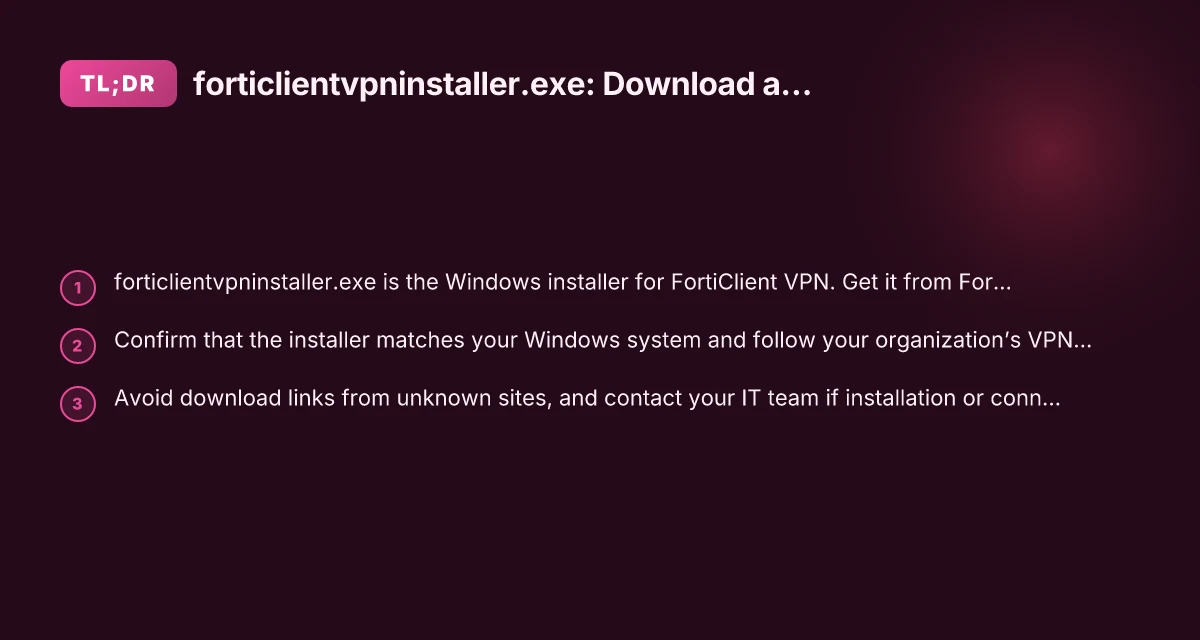
If installation does not start, first confirm that the download completed and that you opened the intended file. If Windows or your organization blocks the installation, do not bypass security controls without approval. Ask your IT team whether administrator permissions or a managed installation process are required.
If FortiClient installs but cannot connect, check the configuration before reinstalling: Microsoft Edge Secure Network VPN Reviews: Is It Safe and Worth Using?
- Confirm that the VPN server address and connection type match your organization’s instructions.
- Check that your username, password, and any required authentication step are correct.
- Verify that your device has an internet connection.
- Ask IT whether your account is authorized and whether the VPN service is available.
- Use your organization’s help desk for configuration or access errors.
If a previous installation is interfering with a new one, consult Fortinet Support or your IT administrator before using a removal utility. Fortinet provides guidance on FCRemove.exe, but removing software can affect managed settings or a required deployment.
Recommendation
For forticlientvpninstaller.exe, download the Windows installer only from Fortinet or an organization-approved source, then use the VPN settings provided by your IT team or service administrator. If you are uncertain about the file, installer version, or connection details, verify them before running or configuring anything.
臧以宁整理使用VPN的常见风险和注意事项。