English VPN Guides and Coverage
Updated
Practical English-language VPN coverage for Windows setup, Edge extensions, provider features, free tools, and straightforward comparisons of familiar services.
Who each guide is for
| Reader | Main need | Best starting point | Useful topics | Level |
|---|---|---|---|---|
| First-time VPN user | Understand the basics | Beginner guides | Setup, privacy, features | Beginner |
| Frequent traveler | Use a VPN on the move | Mobile guides | Public Wi-Fi, apps, connections | Beginner |
| Remote worker | Secure work connections | Setup guides | Devices, networks, troubleshooting | Beginner to intermediate |
| Streaming viewer | Compare viewing options | Streaming guides | Compatibility, access, setup | Beginner |
| Privacy-conscious reader | Learn about protection | Privacy guides | VPN features, limits, safe use | Beginner to intermediate |
| Router owner | Cover devices through a network | Router guides | Configuration, compatibility | Intermediate |
| Troubleshooter | Resolve connection problems | Troubleshooting guides | Settings, connection checks | Beginner to intermediate |
Compiled November 2026; check the provider's site for current details.
What this English-language section covers
This section collects practical VPN software guidance, with an emphasis on choosing, installing, and using VPN apps on everyday devices. Its current coverage includes Windows setup, browser extensions for Microsoft Edge, provider features, and the trade-offs between free and paid services. The audience includes readers in the United States and elsewhere who want clear steps before installing software, plus people comparing familiar names such as NordVPN and ExpressVPN.
VPN information can be difficult to compare because provider marketing, app instructions, and independent commentary often use different terms. We focus on what a reader can verify: which operating systems an app supports, how installation works, what a plan costs, and what a feature actually does. Practical details matter more than broad privacy promises, especially when a user needs to solve a specific Windows or browser problem.
The posts currently listed here include a Windows walkthrough for NordVPN and guidance on assessing free VPN extensions for Edge. That gives this section a hands-on starting point rather than a claim to cover every provider or platform. Coverage grows around real setup and selection questions, with room for device compatibility, account options, connection behavior, and basic privacy terminology.
Who will find these pages useful
Readers setting up a first VPN can use the Windows material to understand the ordinary sequence: download the installer, open it, sign in, and connect. More experienced users may be comparing an app with a browser extension or checking whether a feature is included without a paid subscription. The intended reader is someone making a concrete software decision, not someone looking for a promise that a VPN makes all online activity anonymous. nord VPN for pc(2026)
That distinction is important in the United States, where people may use a VPN on home broadband, public Wi-Fi, or a work-managed computer. A VPN can encrypt traffic between a device and the VPN server, but it does not remove cookies, prevent every form of tracking, or make a user immune to phishing. On a company laptop, local IT rules may also restrict software installation. Check device ownership and workplace policy before changing network settings.
Prices and availability can change by billing term, promotion, tax, and renewal date. For US readers, a quoted monthly equivalent in USD should not be confused with the amount charged up front for a longer plan. Compare the checkout total and renewal price, not just the largest discount shown on a landing page.
Topics to compare before choosing a setup
| Topic | What to check | Why it matters | Guide type | Reader action |
|---|---|---|---|---|
| Device support | Whether your devices are covered | Affects where you can connect | Device guides | Check each device |
| Setup steps | Whether instructions match your system | Helps avoid configuration errors | Setup guides | Follow relevant steps |
| Privacy features | What protections are described | Clarifies what a VPN can and cannot do | Privacy guides | Review limits |
| Network use | Whether your network setup is covered | Some setups need extra configuration | Router guides | Check compatibility |
| Streaming | Whether the service and device are discussed | Access can vary by setup | Streaming guides | Compare your situation |
| Public Wi-Fi | Whether mobile use is explained | Helps plan for unfamiliar networks | Mobile guides | Review connection guidance |
| Troubleshooting | Whether common problems are addressed | Can help restore a connection | Troubleshooting guides | Try relevant checks |
Compiled November 2026; check the provider's site for current details. VPN extension for edge free(2026)
Topics receiving the most attention
The current focus is deliberately specific. These are the topic clusters represented by the posts and editorial direction of this section:
- Windows installation: finding the official app, running an installer, signing in, and making a first connection.
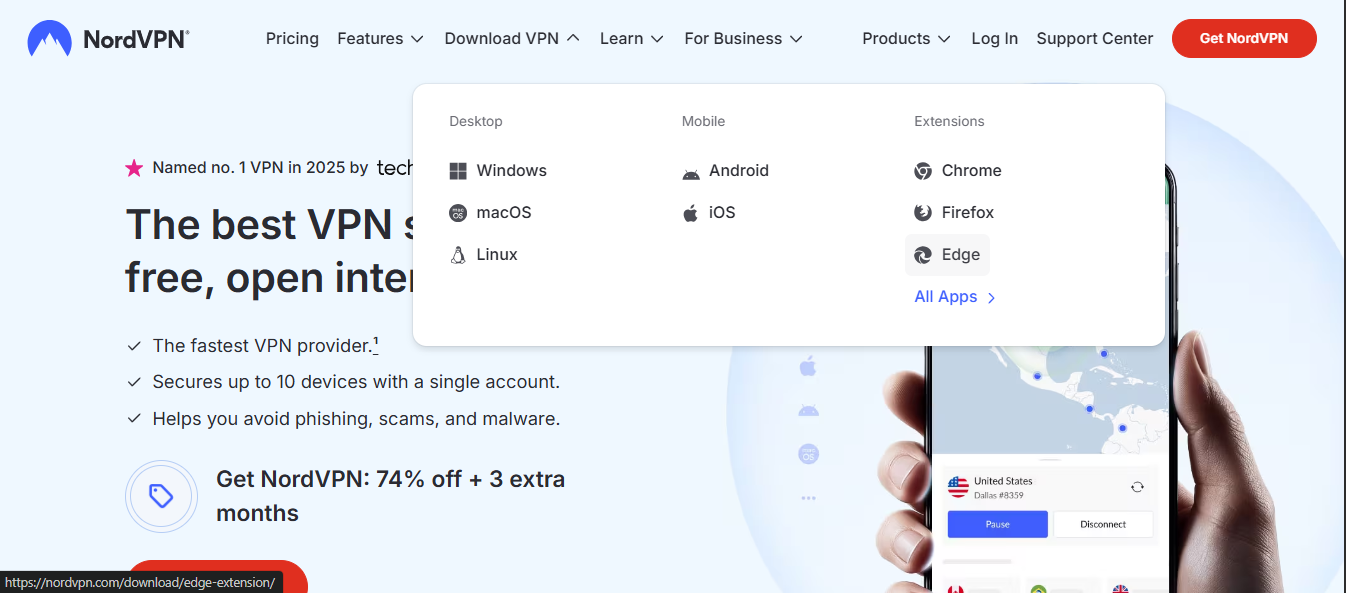
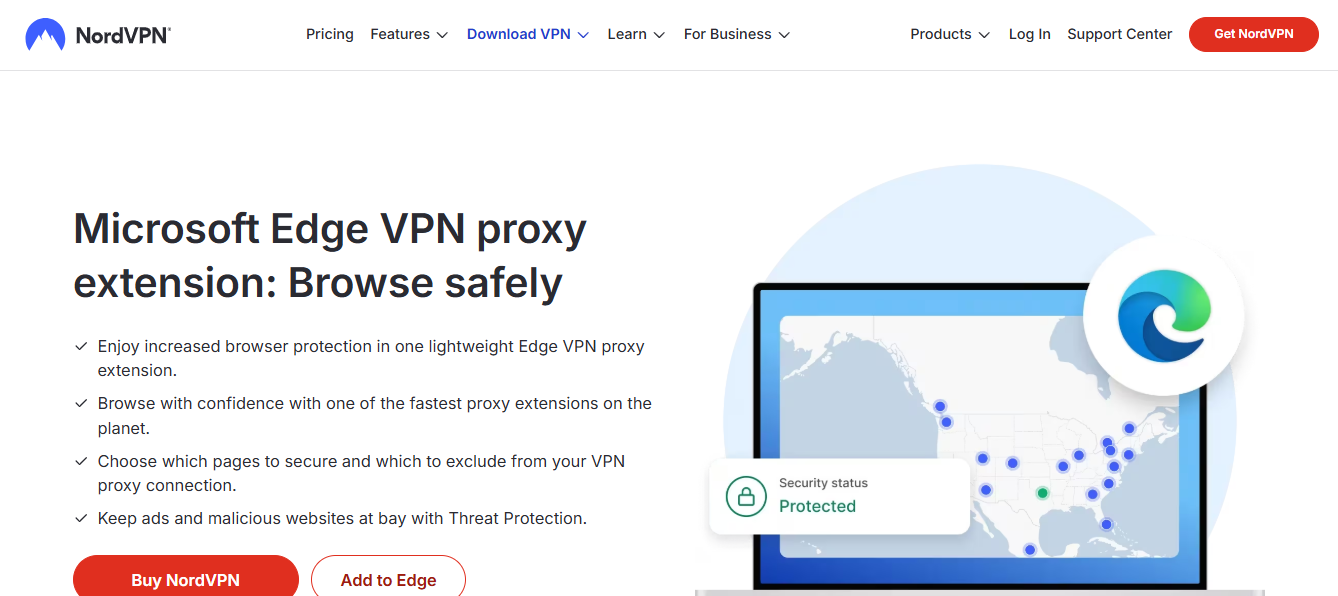
- Browser extensions: assessing what an Edge VPN extension protects and how it differs from a full desktop app.
- Free features: separating a no-cost tool or feature from a complete paid VPN subscription.
- Provider comparisons: looking at familiar services such as NordVPN and ExpressVPN without treating brand recognition as proof of fit.
- Compatibility: checking support for Windows PCs and other devices before purchasing.
- Privacy limits: understanding encryption, account data, tracking, and the limits of VPN protection.
For example, NordVPN’s Windows download information describes Meshnet as a free feature, while its Windows app instructions describe downloading and opening an installer. That is not the same as saying every VPN service has a fully free subscription. Read the feature description closely and confirm whether an account or paid plan is required for the specific tool you want.
A quick comparison for readers starting out
The table below is a narrow orientation, not a ranking. It uses only details relevant to the current coverage and avoids inventing plan prices where the available information does not establish a current US checkout amount. Verify current terms with each provider before paying, since app features and promotions can change.
| Option | What this section can say | Useful next check |
|---|---|---|
| NordVPN for Windows | A Windows app and installer are available; Meshnet is described as free. | Confirm current plan terms and follow the Windows installation steps. |
| NordVPN browser or device use | Provider downloads are offered for multiple platforms, including Windows and mobile devices. | Check the exact operating system and app version supported. |
| Free Edge VPN extension | Coverage centers on choosing an extension safely, not assuming all extensions work alike. | Review permissions, operator identity, and whether protection covers only browser traffic. |
| ExpressVPN | A widely known reference point for readers comparing established VPN brands. | Check its current US price, supported devices, and renewal conditions directly. |
A useful comparison starts with the task. Someone who needs a Windows-wide connection should evaluate a desktop app; someone who only wants browser traffic routed through an extension should understand that narrower scope. Match the product to the traffic and device you intend to protect. VPN extension edge free(2026)
A practical path for getting started
| Step | Decision | What to do | Helpful section | Check before moving on |
|---|---|---|---|---|
| 1 | What do you need? | Identify your main use | Reader-focused guides | Need is clear |
| 2 | Which device? | Choose the device you will use | Device guides | Device is covered |
| 3 | Which setup? | Find instructions for your system | Setup guides | Steps match your setup |
| 4 | What protection? | Review described privacy features | Privacy guides | Limits are understood |
| 5 | Where will you connect? | Consider home, travel, or public Wi-Fi | Mobile and network guides | Network context is clear |
| 6 | Need streaming guidance? | Check relevant compatibility information | Streaming guides | Service and device are covered |
| 7 | Something go wrong? | Consult connection checks | Troubleshooting guides | Issue matches the guidance |
| 8 | Still uncertain? | Compare relevant pages | Related guides | No unsupported assumptions |
Compiled November 2026; check the provider's site for current details.
How to approach a VPN setup
Installation is usually straightforward, but a few checks reduce avoidable problems. These steps are an orientation for readers using a Windows PC, not a substitute for provider-specific instructions. Use the provider’s official download channel and avoid installers from unfamiliar download mirrors.
- Check the device: confirm your Windows version, available storage, and whether you have permission to install apps.
- Review the plan: distinguish a free feature from a free subscription, and note the billing period and renewal terms.
- Get the installer: use the provider’s official Windows download page and verify the file name and publisher where Windows presents those details.
- Install and sign in: open the downloaded installer, follow the prompts, and use the account associated with your subscription.
- Test the connection: connect to a server, check that the app reports an active connection, and confirm that the websites or services you need still work.
- Revisit settings: review startup behavior, automatic connection, and any kill switch or split-tunneling controls available in the app.
If installation fails, check whether another security tool or a managed-device policy is blocking it, then consult the provider’s current support instructions. Do not disable security protections casually just to force an installer to run. free VPN edge extension(2026)
Editorial approach and boundaries
This section favors plain-language explanations, concrete setup context, and careful distinctions between app features and marketing claims. It does not treat a VPN as a replacement for antivirus software, secure account practices, or a browser’s privacy controls. Nor does a familiar provider name automatically make a service suitable for every reader. Useful guidance should explain both what a tool does and what it does not do.
Readers can expect the strongest emphasis here to remain on software selection and use: Windows downloads, Edge extensions, device support, free-versus-paid distinctions, and comparisons among well-known VPN services. When prices are included, they should be stated in USD with the plan period and date context wherever available. Current availability and checkout terms should always be rechecked, because subscription offers and app features change over time.
English
FortiClient VPN: What It Does and How to Connect
Learn what FortiClient VPN is, how to download and connect, and what to check for safe, reliable remote access.
Forticlientvpninstaller.exe: Download and Install FortiClient VPN Safely
Learn what forticlientvpninstaller.exe is, where to get it, and how to install FortiClient VPN safely on Windows.
VPN to Change Location Free: How to Choose One Safely
Learn how free VPNs change your IP location, what limits to expect, and how to pick a safer option.